
Solved

G18 Setup Issues Error Code 0000-1612

  • September 27, 2025
  • 12 replies
  • 255 views

Forum|alt.badge.img+1

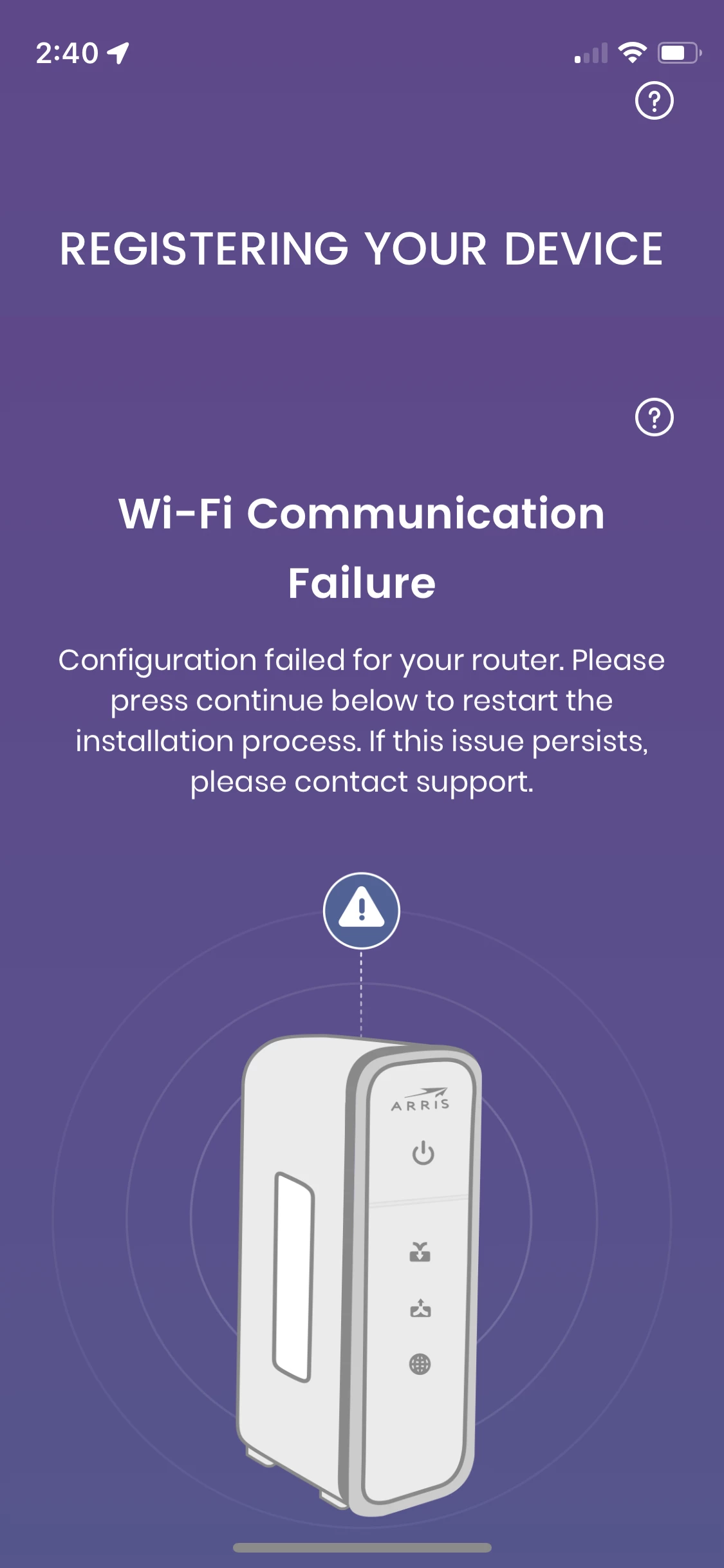
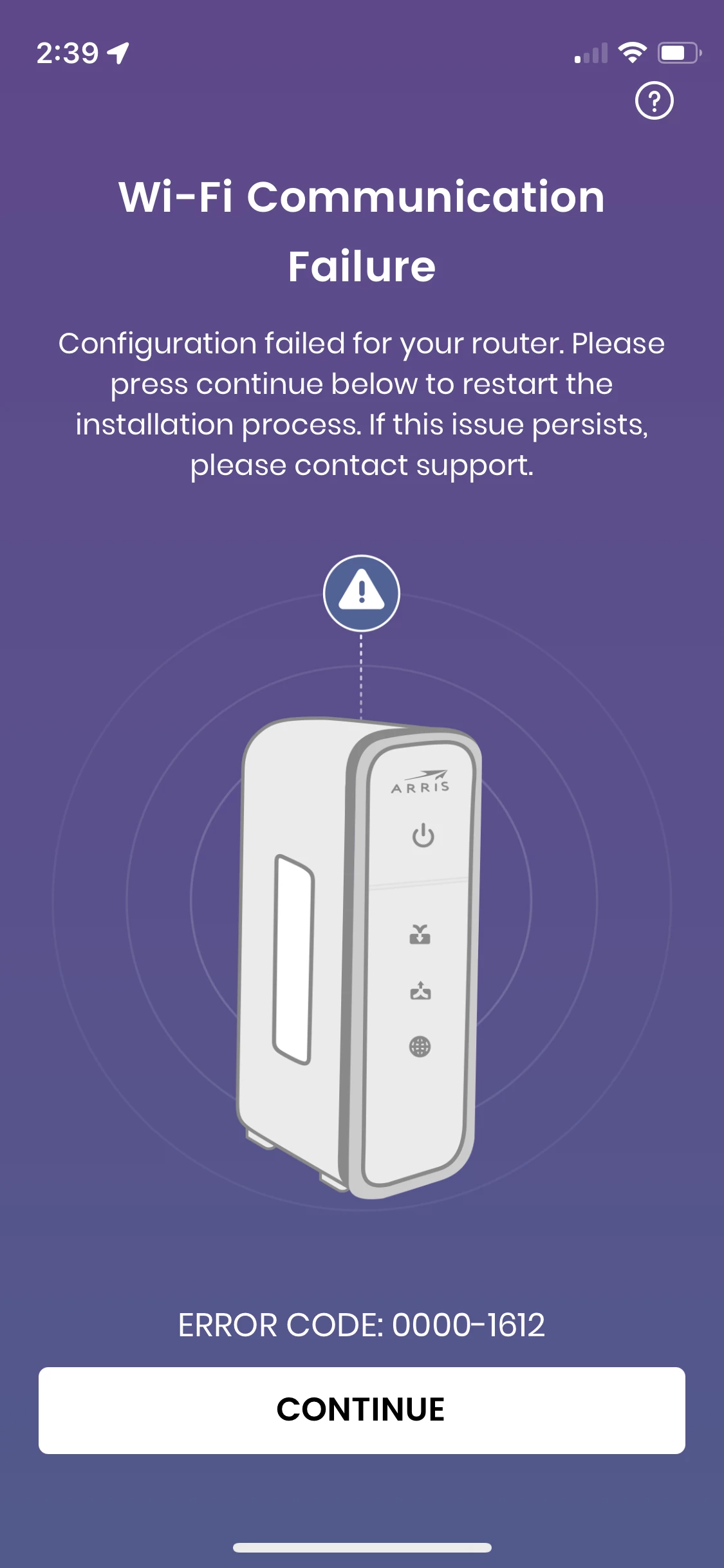
I'm trying to set up this Surfboard Modem/Router - I got it activated and am on the internet. I go through the setup process in Surfboard Central and get to the registration part (meaning I logged into the internet, connected my SSID, and then the next step), I get the above error.


If I troubleshoot, it tells me to relaunch the app and try again, then to restart the gateway and try again. I’ve done all of these many times at this point and get the same issue at the same point over and over. It tells me to call support… I have called the number a dozen times and it disconnected right away - nobody even picks up even though I’m in the support period. I can’t register the device to access what I’m sure is a warranty of some kind to be able to access live chat support. Like… it should NOT be this hard and I should be able to talk to someone to be able to access the device I now own. It’s not like this was cheap. 


The only thing I can think is that when you launch the app, it says you have to give access to location services and the local network. Surfboard isn’t even appearing in the list of apps that are requesting that access for me to give it. And I’ve tried on three different devices.


I also tried doing this through the browser but I keep getting a notice that

admin + password are not correct login credentials. 


Please help

Best answer by SURFboard Moderator

We apologize for the inconvenience caused!

Before setting up the app,  Have the web-based interface (GUI) set up? If you do, follow the steps for a device that is already set up with the web-based portal on the app.

If you haven't set up the GUI before, we need to verify if the GUI is misconfigured. The Surfboard Central app pairs with the gateway and syncs with the web-based interface (GUI) as well. 

First, connect your phone to the Wi-Fi and check if the internet connection is working. Then, connect a device like a laptop or phone to the network, open a web browser, and type http://192.168.0.1 in the address bar. You should see the ARRIS interface page (GUI). If the page asks you to create a password, the modem is not misconfigured. In this case, restart your mobile phone and start the setup on the app again.

If the GUI page asks for an email address and password for login, it indicates the page is misconfigured. We recommend performing a factory reset. Hold down the reset button for at least 20 seconds and then release it to reset the gateway. Wait for it to boot up.

After confirming everything is working, start the setup process on the app again. For your reference, please find the link below for the steps to set up the app.

https://arris.my.salesforce-sites.com/consumers/articles/knowledge/SURFboard-Central-Wi-Fi-Cable-Modem-Setup


This topic has been closed for replies.

12 replies

Forum|alt.badge.img+42

We apologize for the inconvenience caused!

Before setting up the app,  Have the web-based interface (GUI) set up? If you do, follow the steps for a device that is already set up with the web-based portal on the app.

If you haven't set up the GUI before, we need to verify if the GUI is misconfigured. The Surfboard Central app pairs with the gateway and syncs with the web-based interface (GUI) as well. 

First, connect your phone to the Wi-Fi and check if the internet connection is working. Then, connect a device like a laptop or phone to the network, open a web browser, and type http://192.168.0.1 in the address bar. You should see the ARRIS interface page (GUI). If the page asks you to create a password, the modem is not misconfigured. In this case, restart your mobile phone and start the setup on the app again.

If the GUI page asks for an email address and password for login, it indicates the page is misconfigured. We recommend performing a factory reset. Hold down the reset button for at least 20 seconds and then release it to reset the gateway. Wait for it to boot up.

After confirming everything is working, start the setup process on the app again. For your reference, please find the link below for the steps to set up the app.

https://arris.my.salesforce-sites.com/consumers/articles/knowledge/SURFboard-Central-Wi-Fi-Cable-Modem-Setup


Forum|alt.badge.img+1
  • Author
  • The Many
  • September 29, 2025

I have done all of this already multiple times, including no less than 9 factory resets to start the process again and it is not doing anything.


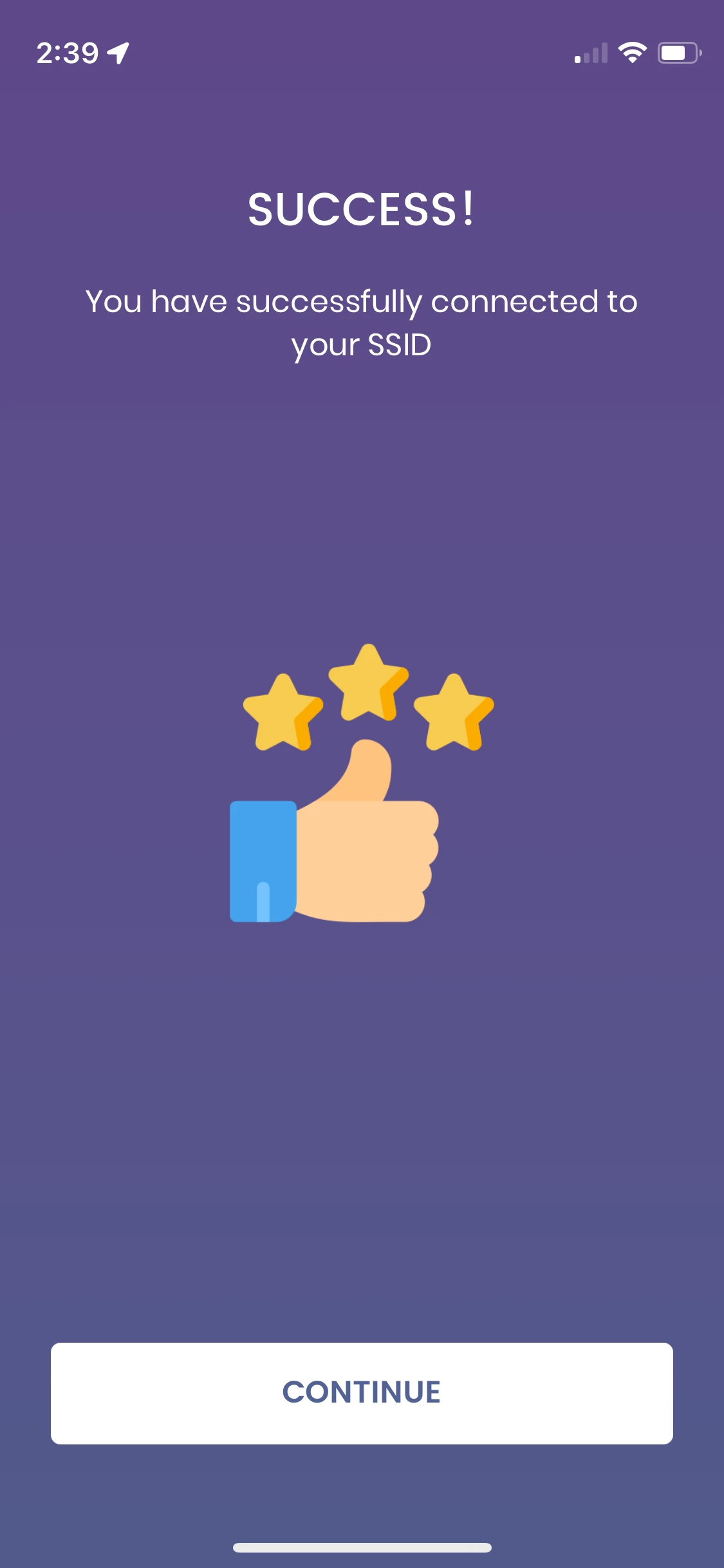
I get all the way through the app process until here, and then it goes onto the error:


If I click customer support, it tells me to call a number that has half a ring and then drops. (I tried this from multiple phones.)


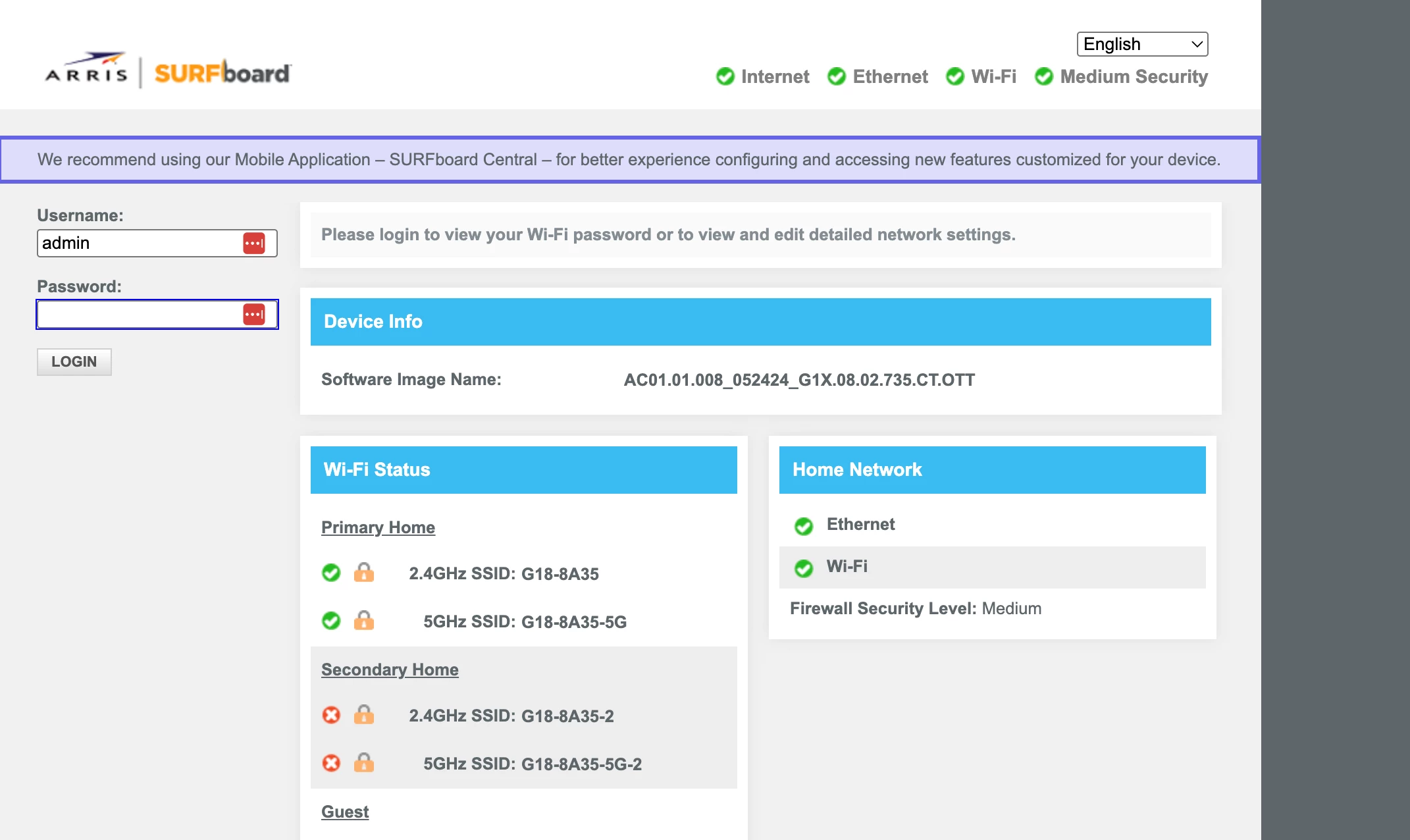
If I go to the IP address, this is what I get:


I cannot login. I cannot get past the error code when it tries to register the device. I have factory reset so many times and done it over and over and over and get the same issue every time.


plemans
Juggernaut
Forum|alt.badge.img+41
  • Juggernaut
  • September 30, 2025

After you reset and install with the gui (do not use the app), what error does it give you when you try to login? 

Are you trying the default login info (should be on the label) for setup. 

Seeing what errors your getting for the GUI setup (browser based) help


Forum|alt.badge.img+1
  • Author
  • The Many
  • September 30, 2025

I have never been able to get past the first page when I try to access the GUI (browser-based) page. It asks for a login and I’ve tried admin + password, and the login credentials on my device - neither let me in.


plemans
Juggernaut
Forum|alt.badge.img+41
  • Juggernaut
  • September 30, 2025

for the password, did you try the last 8 of the serial number? 

Also, when you reset, make sure its powered on and you hold reset for up to 30 seconds 


Forum|alt.badge.img+1
  • Author
  • The Many
  • October 3, 2025

I have factory reset, again, so many times. Yes, for 30 seconds. Yes, at this point now a dozen times. This time, today,  I skipped trying the app and went straight to the GUI after reset and cannot login. I cannot login with, as yet, any combination of information I was provided with the device. SSID + Password, SSID + last 8 of serial number, Admin + provided password, Admin + the word password, SSID + the word password. 


And again, when I tried through the app, I get the same error screen.


Forum|alt.badge.img+42

I have done all of this already multiple times, including no less than 9 factory resets to start the process again and it is not doing anything.


I get all the way through the app process until here, and then it goes onto the error:


If I click customer support, it tells me to call a number that has half a ring and then drops. (I tried this from multiple phones.)


If I go to the IP address, this is what I get:


I cannot login. I cannot get past the error code when it tries to register the device. I have factory reset so many times and done it over and over and over and get the same issue every time.

Based on the image you shared, it appears that the gateway has not been properly factory reset. Try factory resetting the gateway for 40 seconds. 

Regarding the web interface, please note that there is no default password. During the initial setup, you are prompted to create a login password. If you remember setting one, you may try using it. If not, it indicates that the interface has already been configured.

Without the correct password, you won’t be able to access the web interface or complete the app setup.

To resolve this, the G18 must be restored to its factory default settings.


Forum|alt.badge.img+1
  • Author
  • The Many
  • October 14, 2025

Does anybody have any ideas beyond a factory reset… I have held the button for a minute with no change in results. It does appear to go through the whole process of a reset as it’s described. I get the same situation every time. I’ve never been prompted to create any passwords so… I have no way to login through any other way. 


plemans
Juggernaut
Forum|alt.badge.img+41
  • Juggernaut
  • October 17, 2025

So you can either setup via the app or the browser, If you’re starting with the app, you can’t use the browser. and if you use the browser, you can’t use the app.  So if the app isn’t working, you need to use the browser. But to use that, you have to get back to factory. Which is why the factory reset keeps getting recommended. 

one thing you can try doing, is if the ISP has it initialized, you could call them and ask them to trigger a factory reset. They can remote reset it. Then once back to factory, set it up through the browser. Don’t try the app at all. 


Forum|alt.badge.img+42

So you can either setup via the app or the browser, If you’re starting with the app, you can’t use the browser. and if you use the browser, you can’t use the app.  So if the app isn’t working, you need to use the browser. But to use that, you have to get back to factory. Which is why the factory reset keeps getting recommended. 

one thing you can try doing, is if the ISP has it initialized, you could call them and ask them to trigger a factory reset. They can remote reset it. Then once back to factory, set it up through the browser. Don’t try the app at all. 

@plemans You can still use the interface even after setting up the app. The app syncs with the interface, so any changes made through the app will reflect in the interface as well. However, it's important to set up the app correctly any misconfiguration may result in issues accessing the interface or completing the setup.


Forum|alt.badge.img+42

Does anybody have any ideas beyond a factory reset… I have held the button for a minute with no change in results. It does appear to go through the whole process of a reset as it’s described. I get the same situation every time. I’ve never been prompted to create any passwords so… I have no way to login through any other way. 

Since you've already attempted multiple resets, we recommend reaching out to our support team for further assistance by visiting www.arris.com/consumersupport.


Forum|alt.badge.img+1
  • Author
  • The Many
  • October 24, 2025

Support was able to help me. Thank you