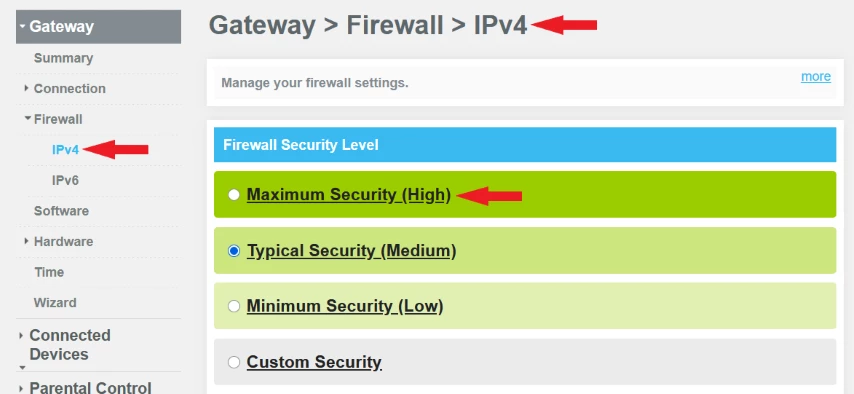
I could not find anything on the Internet to help me with connecting older video devices and/or video call apps. It took me two weeks thinking it had to do with DOCSIS 3.1 and using a new cable modem Arris SURFBoard Model G36. I thought it was MAC Filtering issue since I had no issues with the old cable modem Netgear model C3700 especially with iPad using a random MAC address. I fixed it by using fixed MAC address, which is a security risk that I was willing to take. No problems with Netgear. Then after two weeks, I happened to look at Gateway | Firewall | IPv4 | “Firewall Security Level,” it was set to “Maximum Security High,” I stepped down to “Typical Security Medium” and viola, all my older devices started working. Set the cable modem at Connection | Wi-Fi | Mac Filtering to “Allow-All” for each channel until you get your list of devices and then change the setting to “Allow” only your listed devices to prevent neighbors from connecting to your cable modem. I liked Netgear’s feature “Block,” which the tech says it means the same thing. I do not know. Only time will tell. Good luck. 👍