


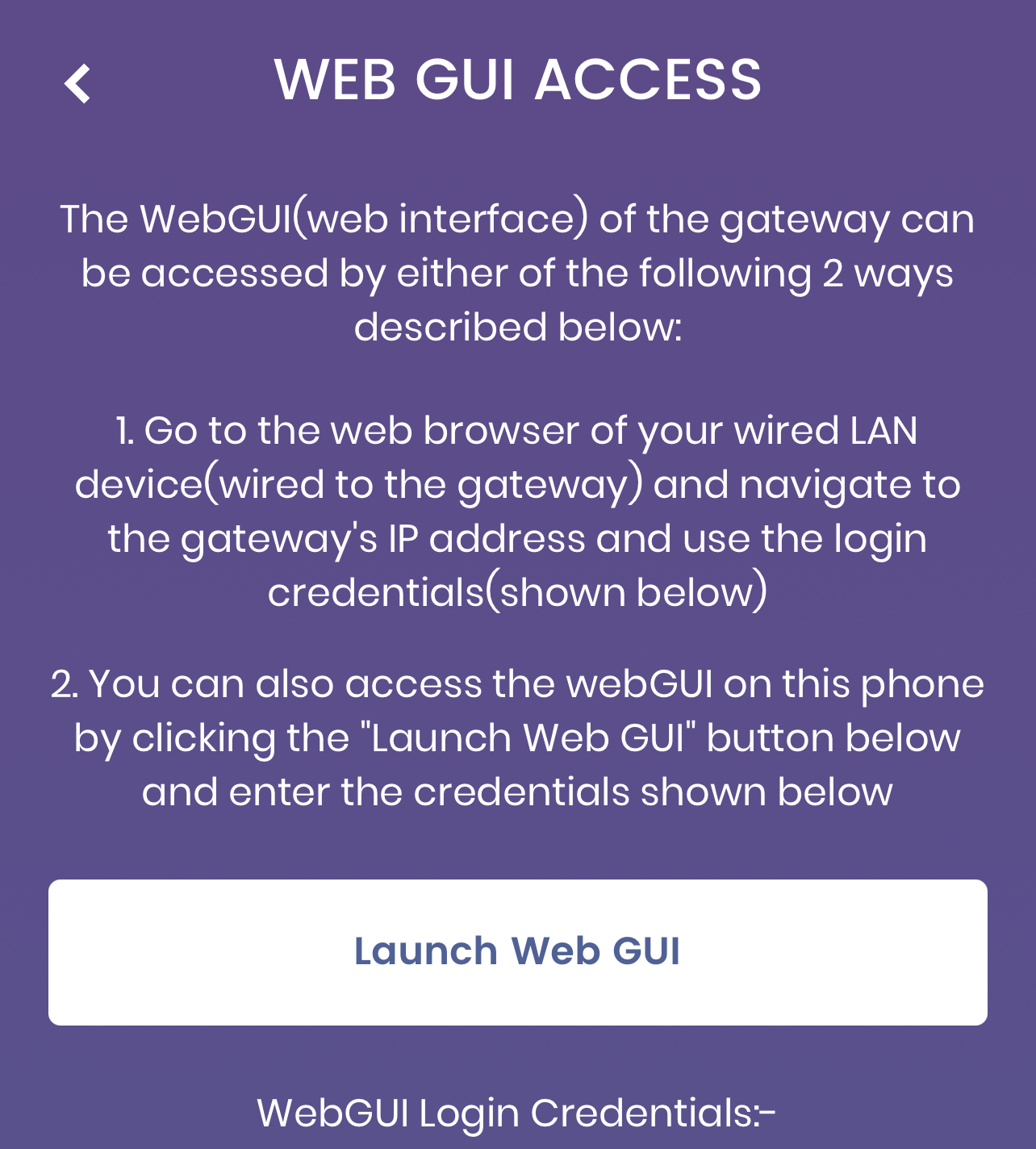
If I click the above in the surfboard app
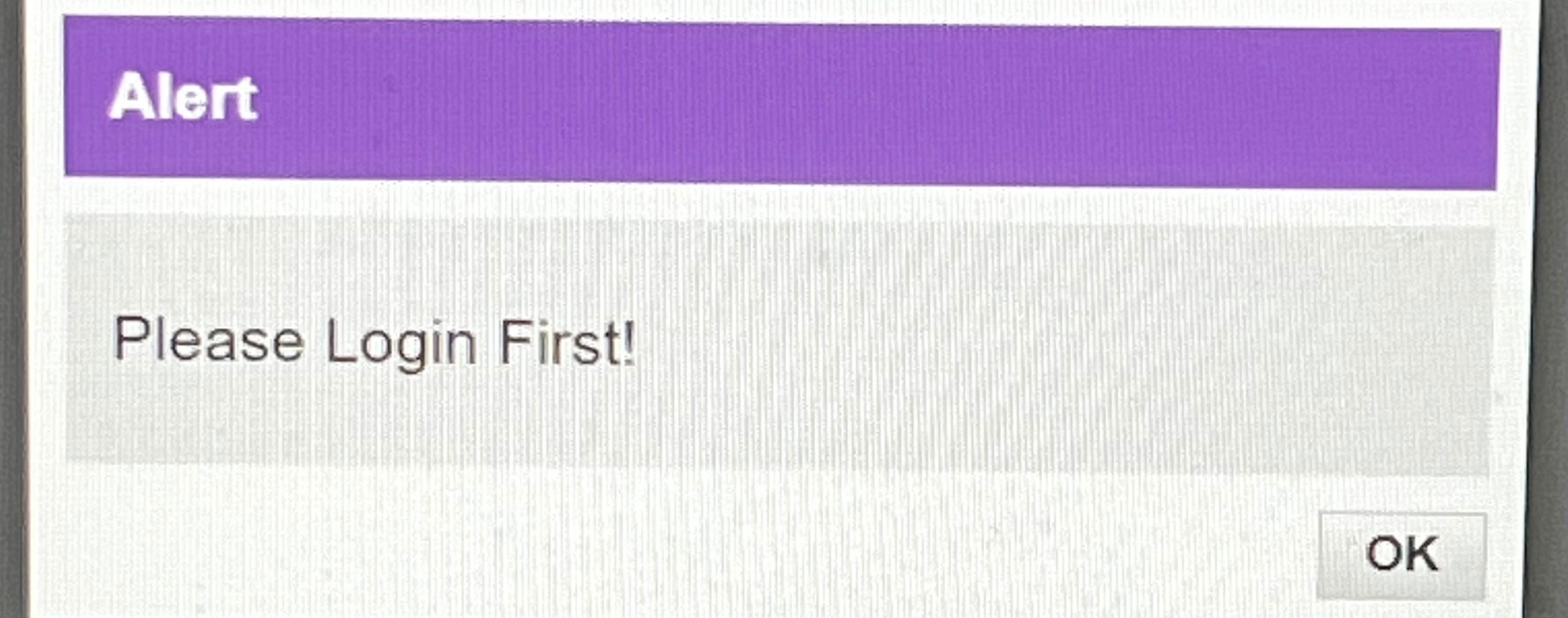
Or if I try on Laptop: after I click LOGIN both spin and then shows this:
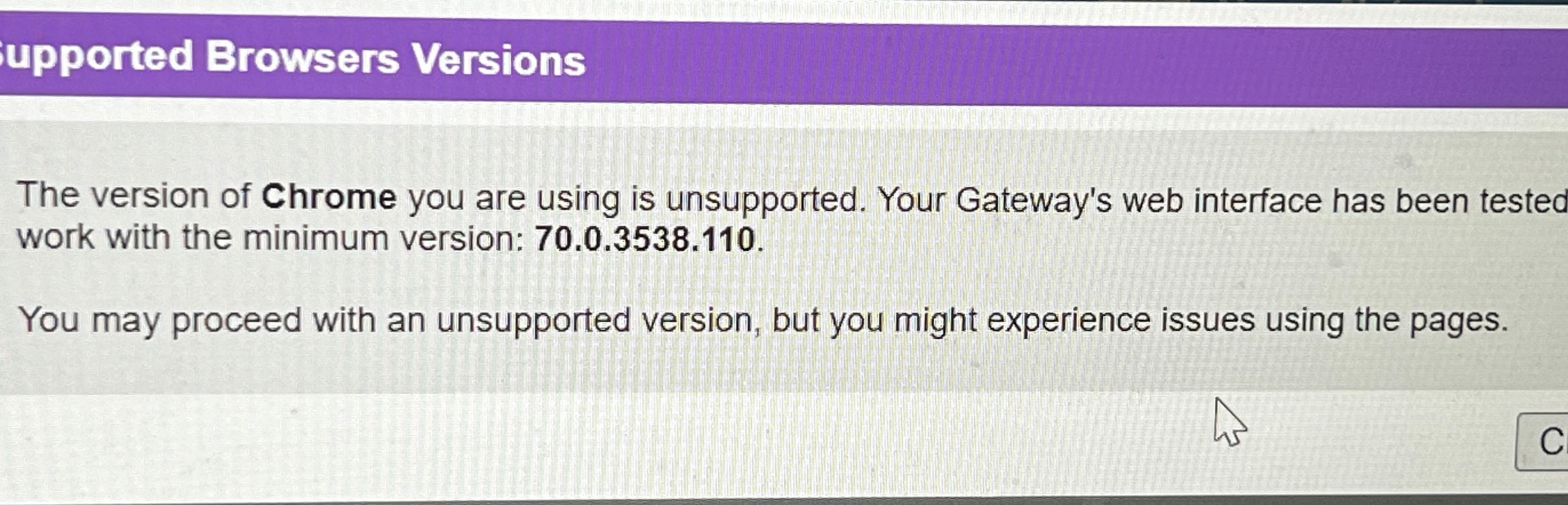
I’ve had browser message before but it used to work. Now it doesn’t.
what can I try to fix it thanks

If I click the above in the surfboard app
Or if I try on Laptop: after I click LOGIN both spin and then shows this:
I’ve had browser message before but it used to work. Now it doesn’t.
what can I try to fix it thanks
Best answer by SURFboard Moderator
A browser message on Chrome, Edge, Firefox, Opera, and Linux browsers may appear when accessing the Web Manager on SURFboard gateway models G34/G36/ SBG6400/SBG6580-2/SBG6700-AC/SBG6782-AC/SBG6900-AC. The message includes 192.168.0.1 uses an unsupported protocol and ERR_SSL_VERSION_OR_CIPHER_MISMATCH. The Web Manager uses an earlier version of the TLS (Transport Layer Security protocol) protocol and does not match the version allowed by the web browser.
Please do follow the steps mentioned on the below article to access GUI on your devices.
http://arris.force.com/consumers/articles/General_FAQs/192-168-0-1-uses-an-unsupported-protocol
No account yet? Create an account
Enter your E-mail address. We'll send you an e-mail with instructions to reset your password.


