Question

I think i got a pirate version of G36. too many errors…. 404 everywhere! Help!

  • March 21, 2026
  • 1 reply
  • 4 views

Forum|alt.badge.img

Hi Guys,

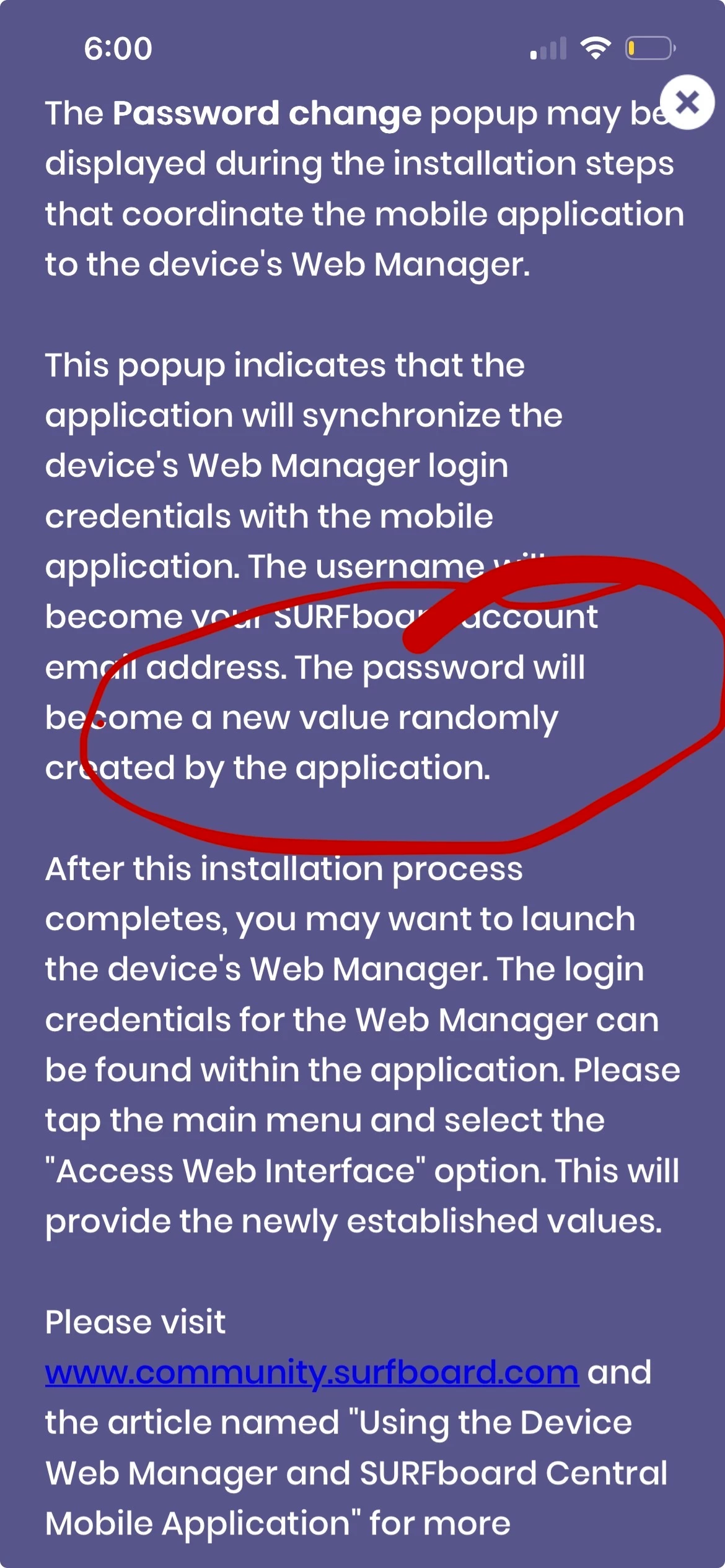
  • Apart from the Inability to sync web Interface and the app Central, After switching password Through the web interface The app stops working and if you delete Device and try to set it up again. It changes back the password to the same password every time. Not a random password like the app says it will. 
    -  There’s no place to change password in app central. 
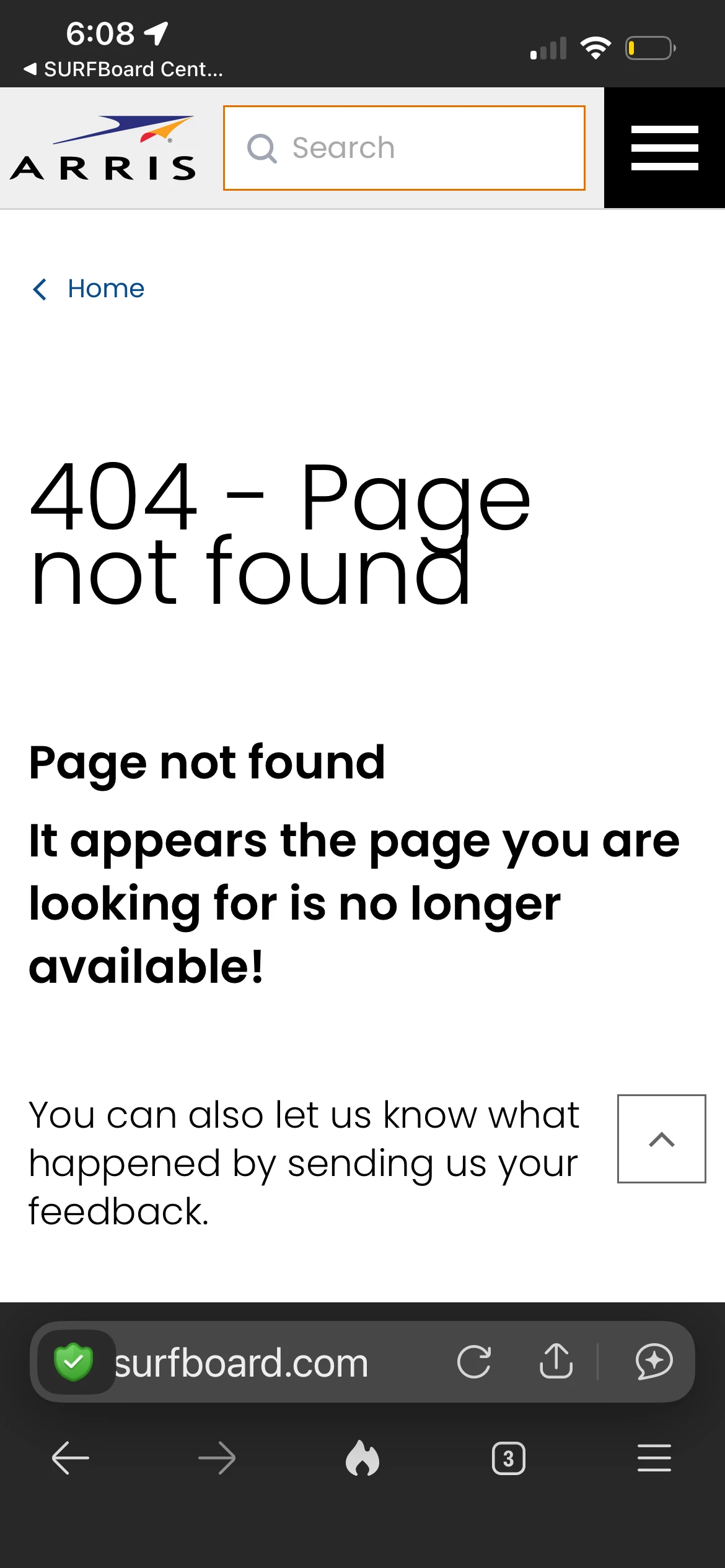
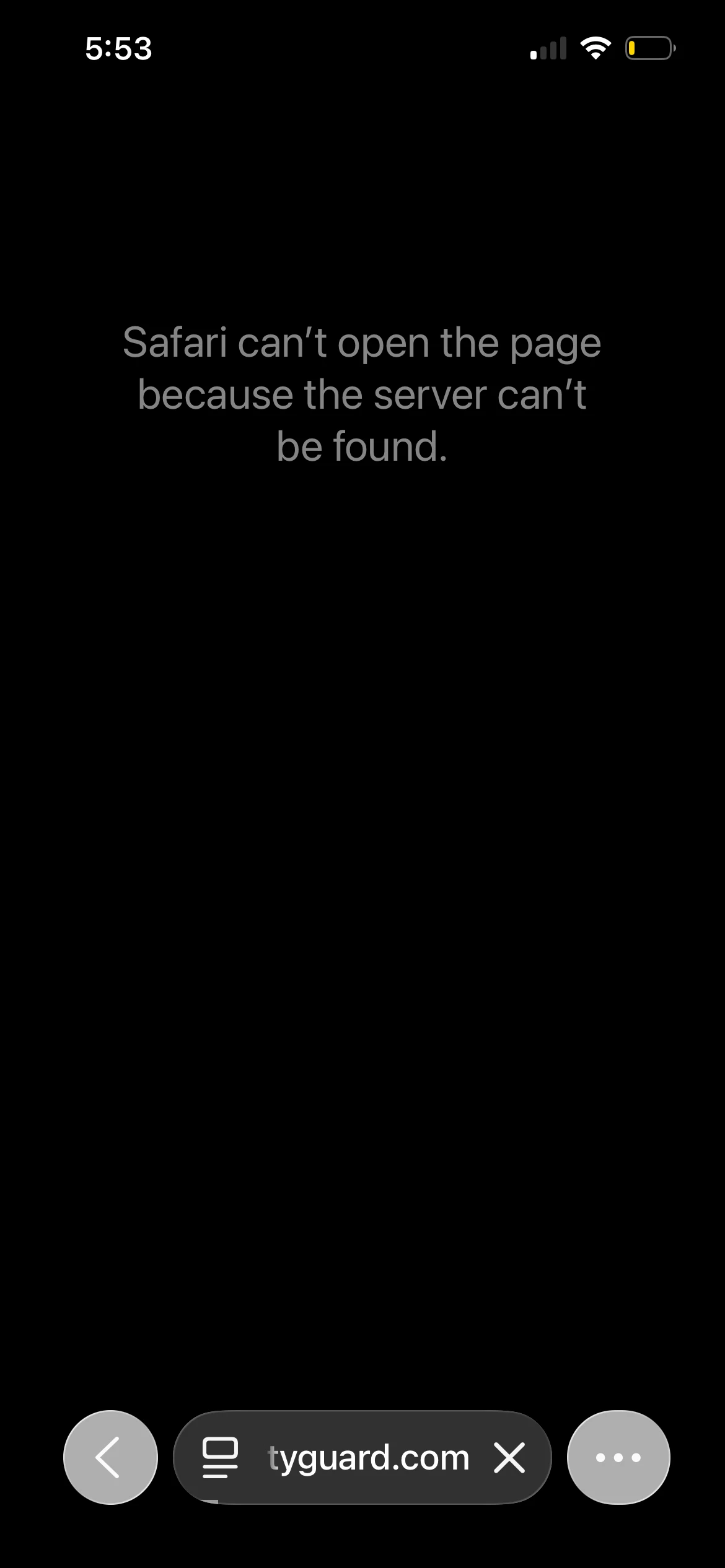
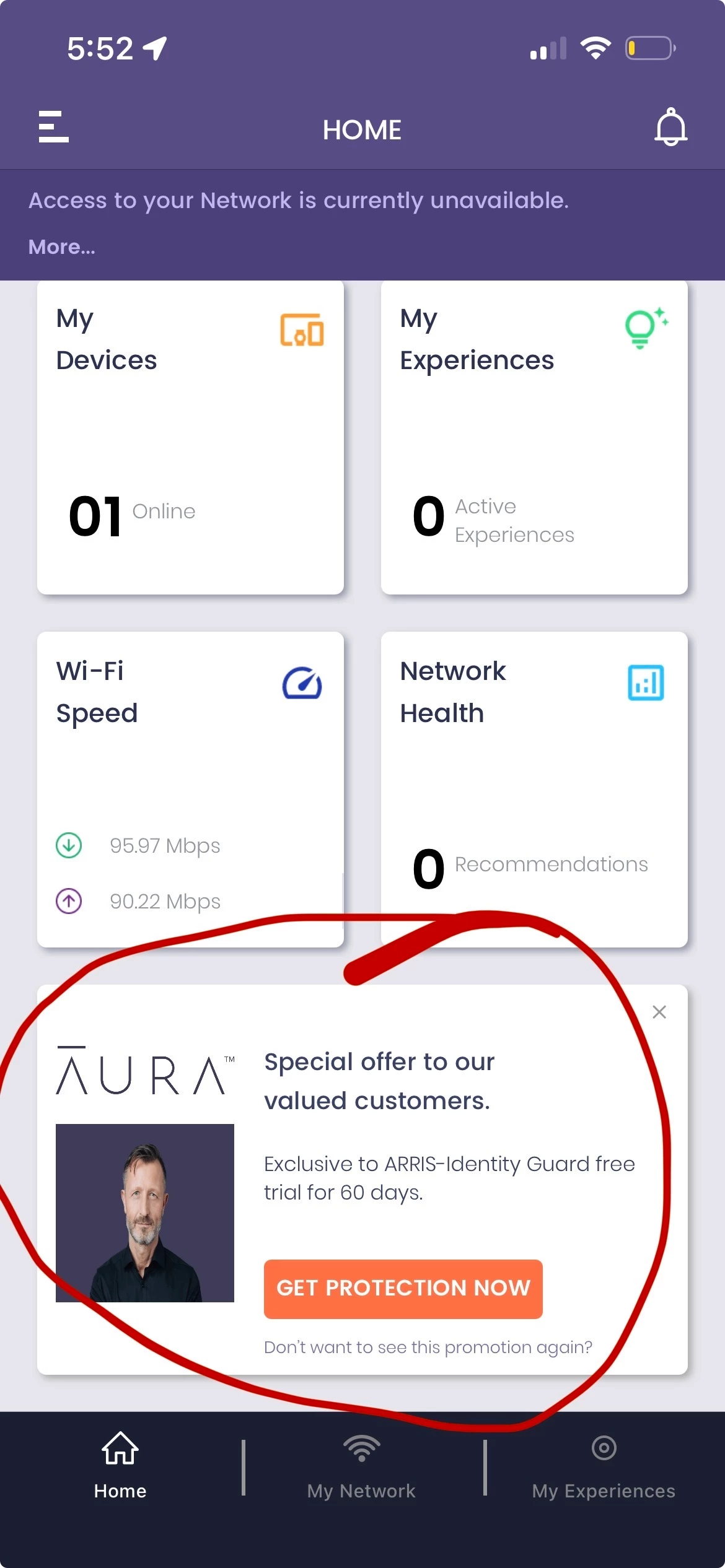
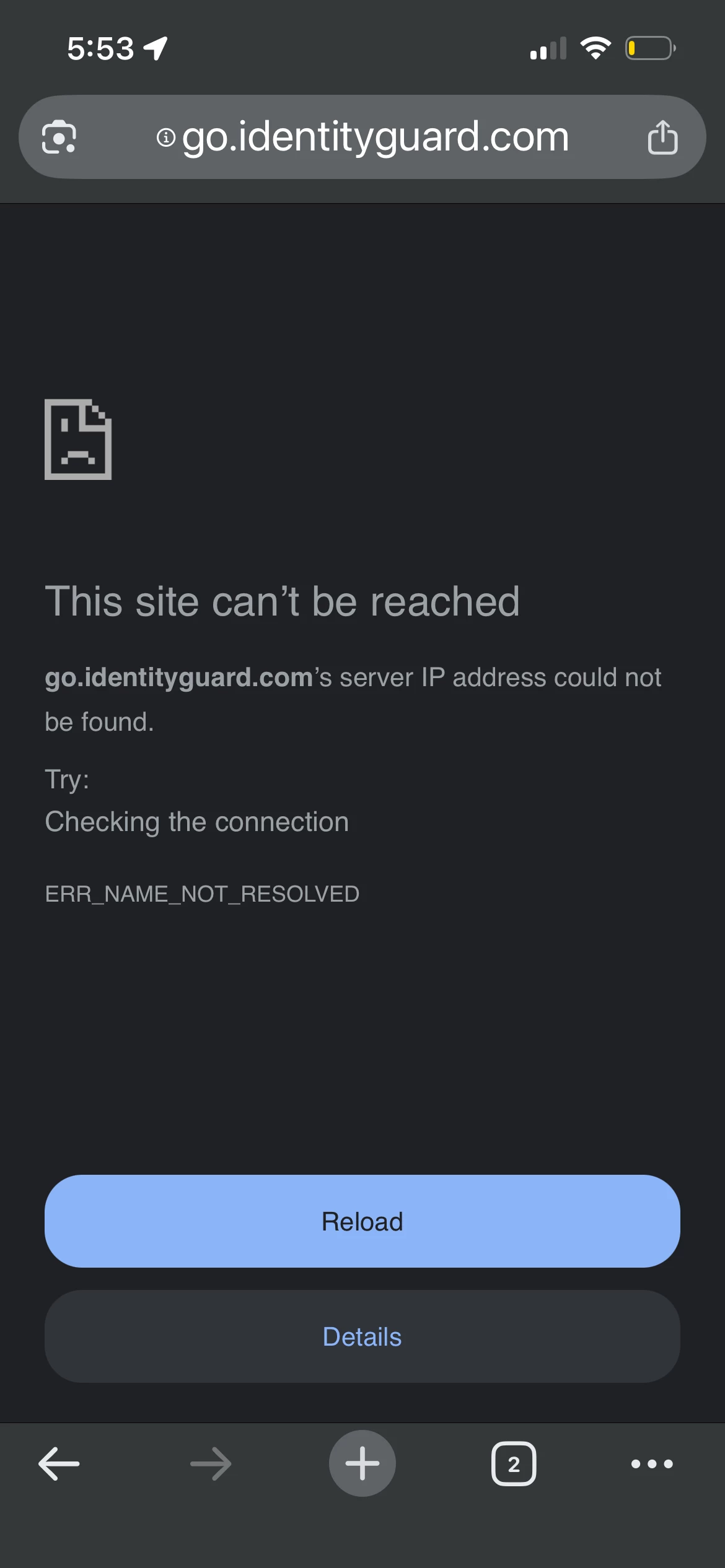
    - Aura Link says to show appreciation to our customers here is a free trial. Doesn’t work. 404 erro
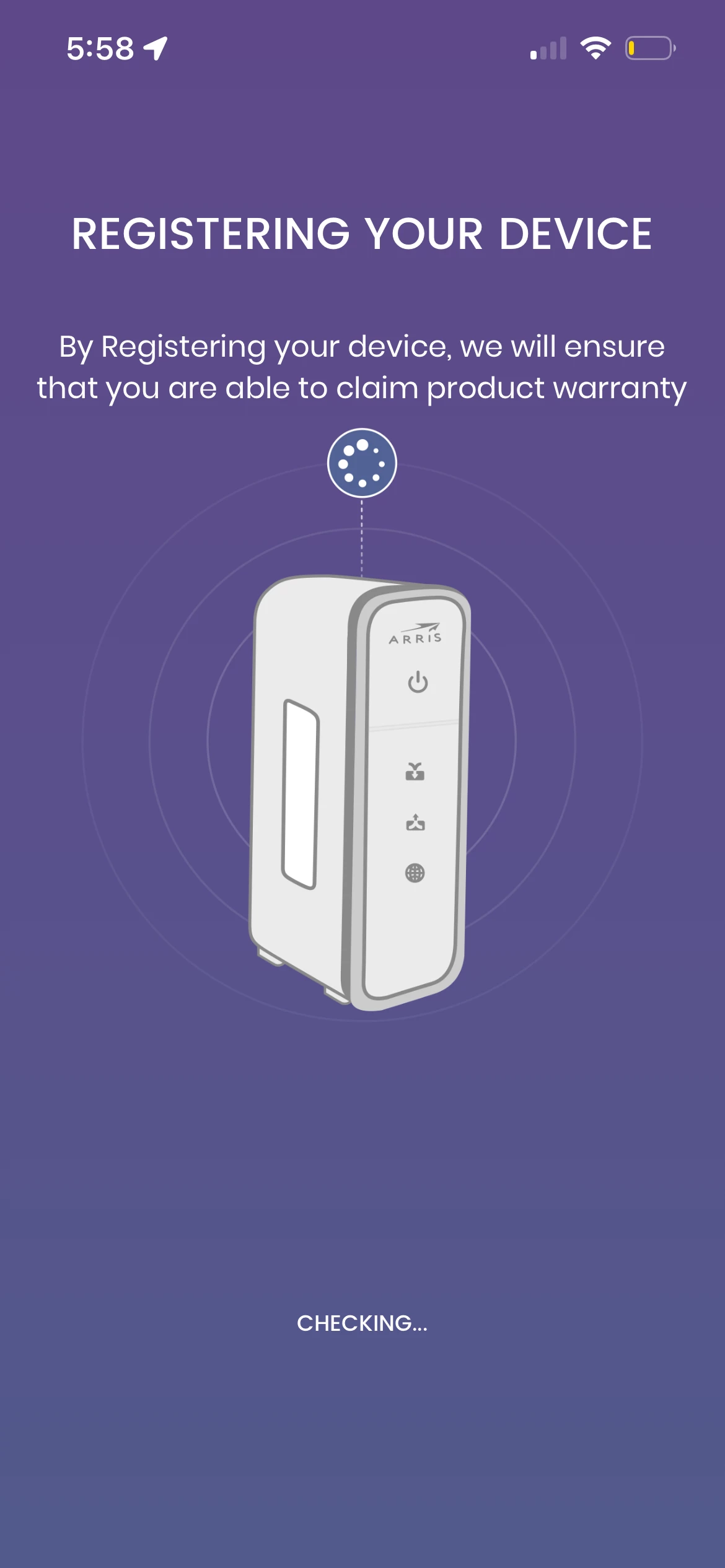
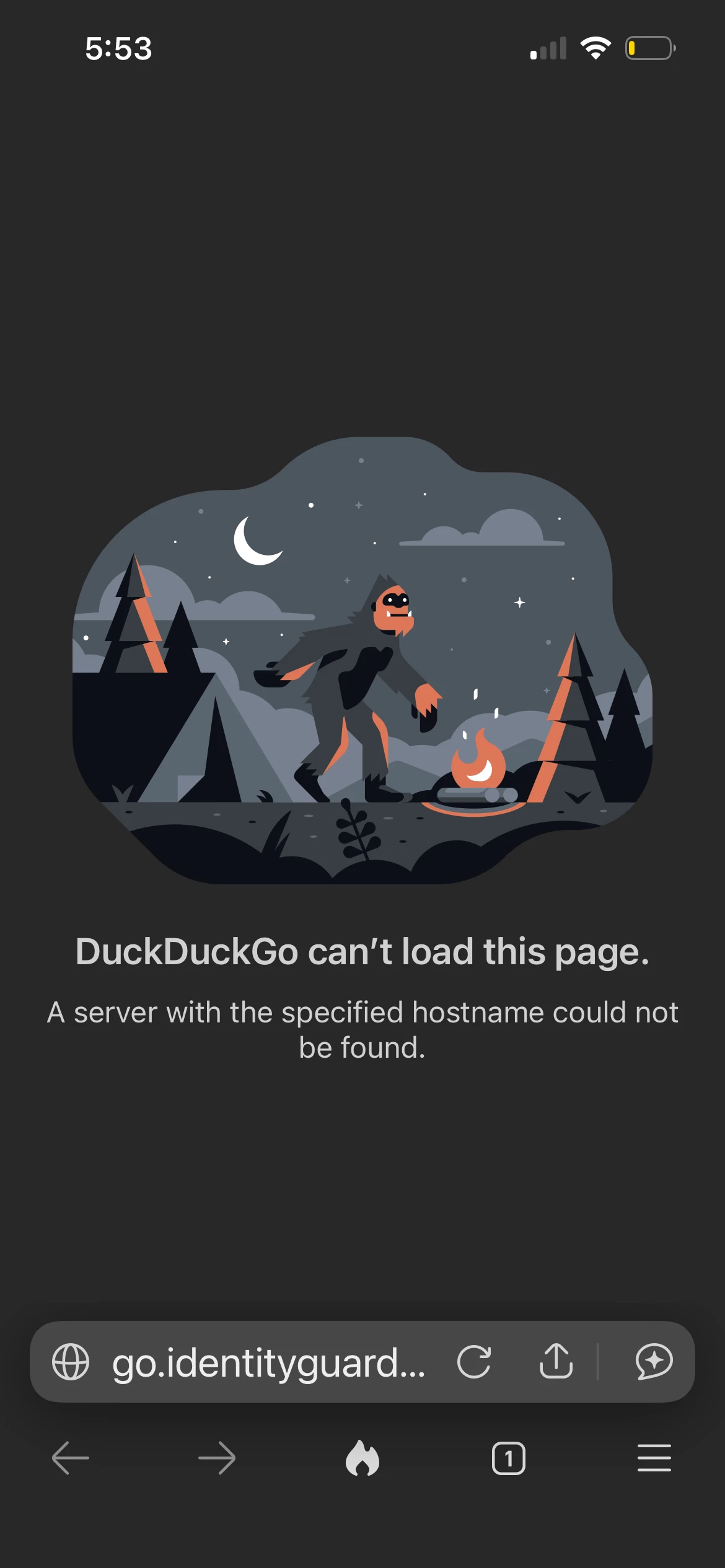
  • - Link to go register the device and to check if device registered correctly is nonexistent. Page no longer exists!
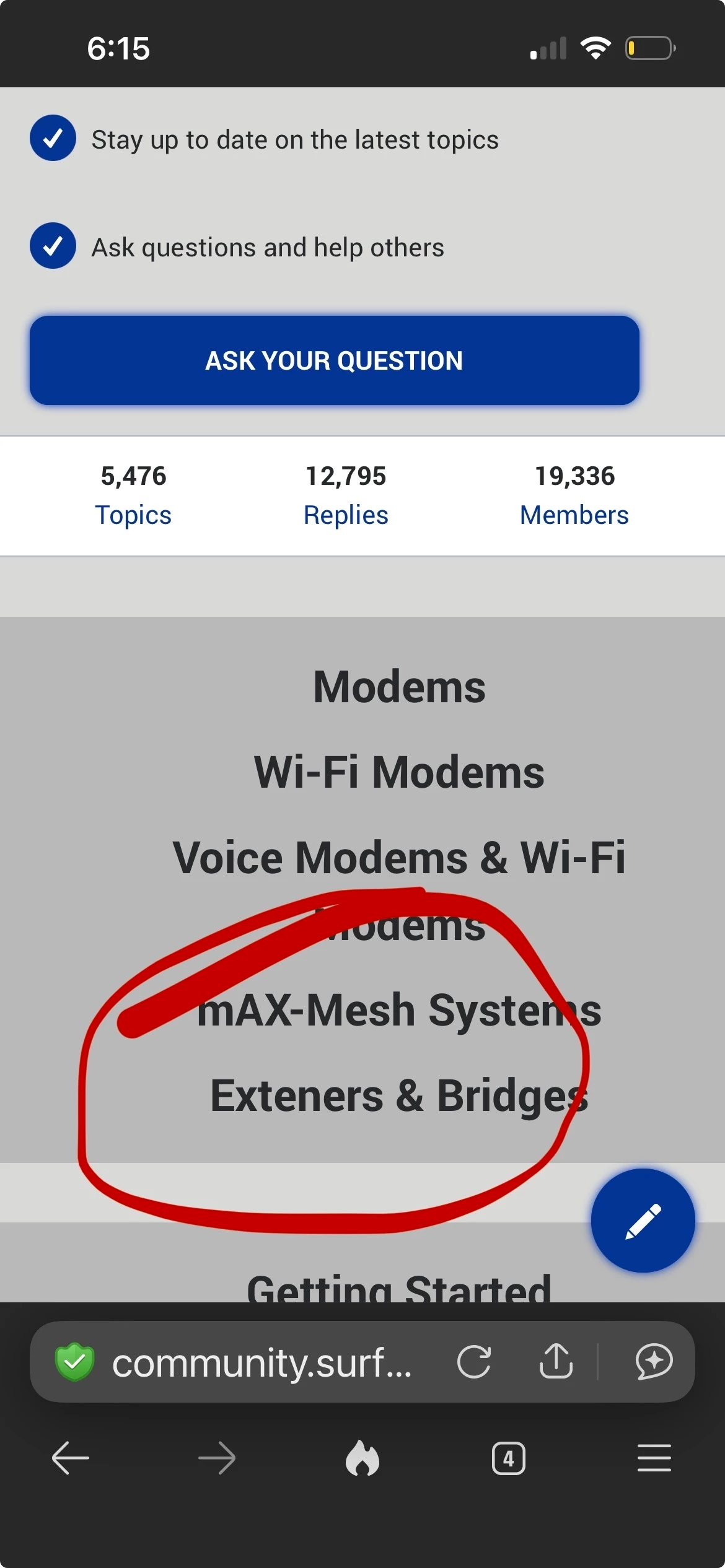
  • - I see spelling errors…
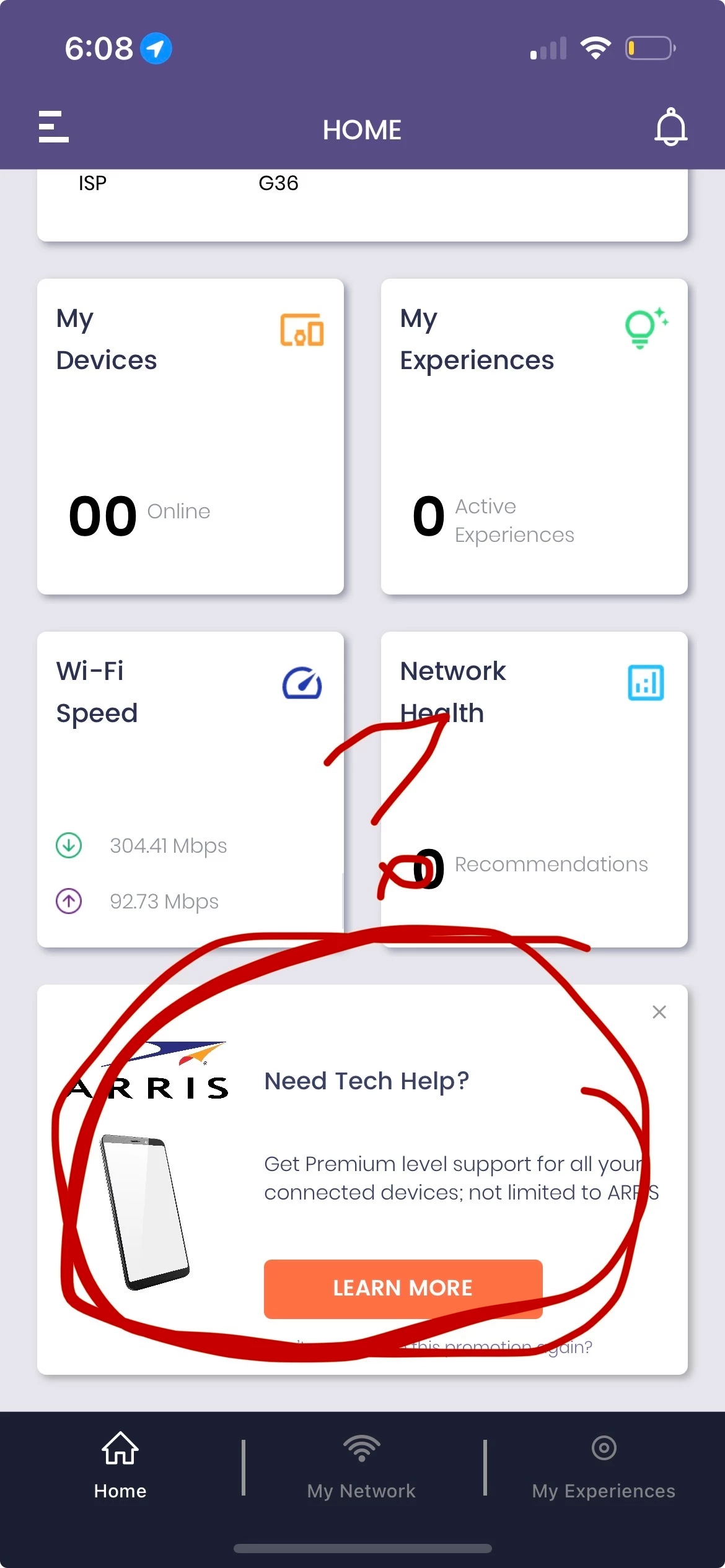
  • - need tech help link: 404 error. 
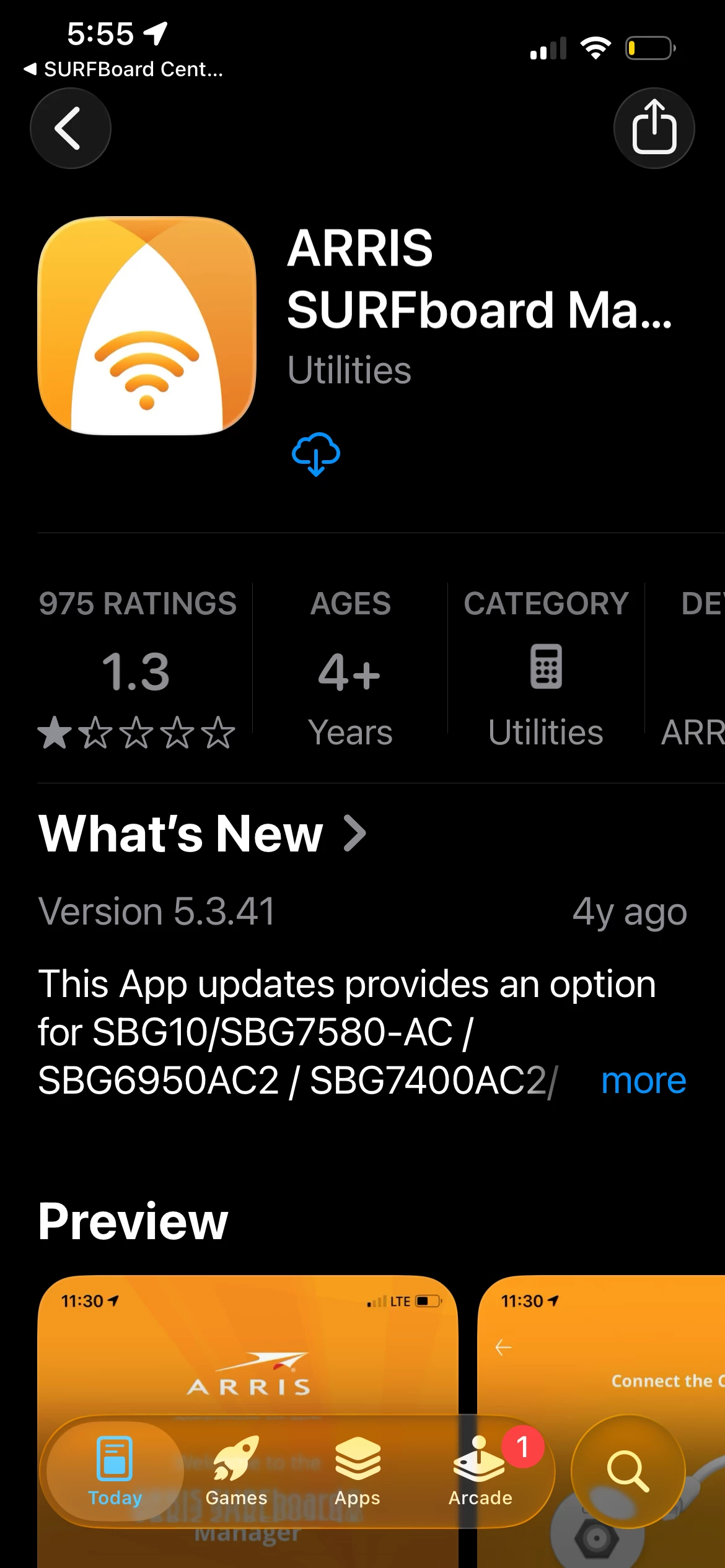
  • - while setting up SURFBoard Central after selecting G 36 for a router, the app that it shows to download is SURFboard® manager. But that doesn’t work too!
  • I’m guessing somebody might have switched packages to a pirate version of your router. Can someone check on your end?  Because I don’t believe the actual product is worth the $$$ if this is the real thing. 
    SEE PICS.
     

1 reply

Forum|alt.badge.img+42

We apologize for the inconvenience caused. Once the Surfboard Central app is set up, the app automatically generates and provides the password for logging in to the web interface.

  1. Please refer to the link below for instructions on how to find the web interface login password.

https://arris.my.salesforce-sites.com/consumers/articles/knowledge/SURFboard-Central-Web-Manager-Access

If you are trying to change the Wi‑Fi password, this can be done directly through the Surfboard Central app and will not affect the app’s synchronization. However, the web interface login password cannot be changed once the app setup is complete.

  1. Please refer to the link below for steps on how to change the Wi‑Fi credentials using the Surfboard Central app.

https://arris.my.salesforce-sites.com/consumers/articles/knowledge/SURFboard-Central-Changing-the-Wi-Fi-Name-Password

Note: After the app is set up, the web interface login password cannot be modified. If you attempt to change it—either by performing a factory reset or through the web interface the app will lose synchronization and will no longer function. The system is designed so that the app generates and manages the web interface password to maintain synchronization.

  1. There is no spelling error on the website. Since you are viewing it on a mobile device, the page layout may appear compressed
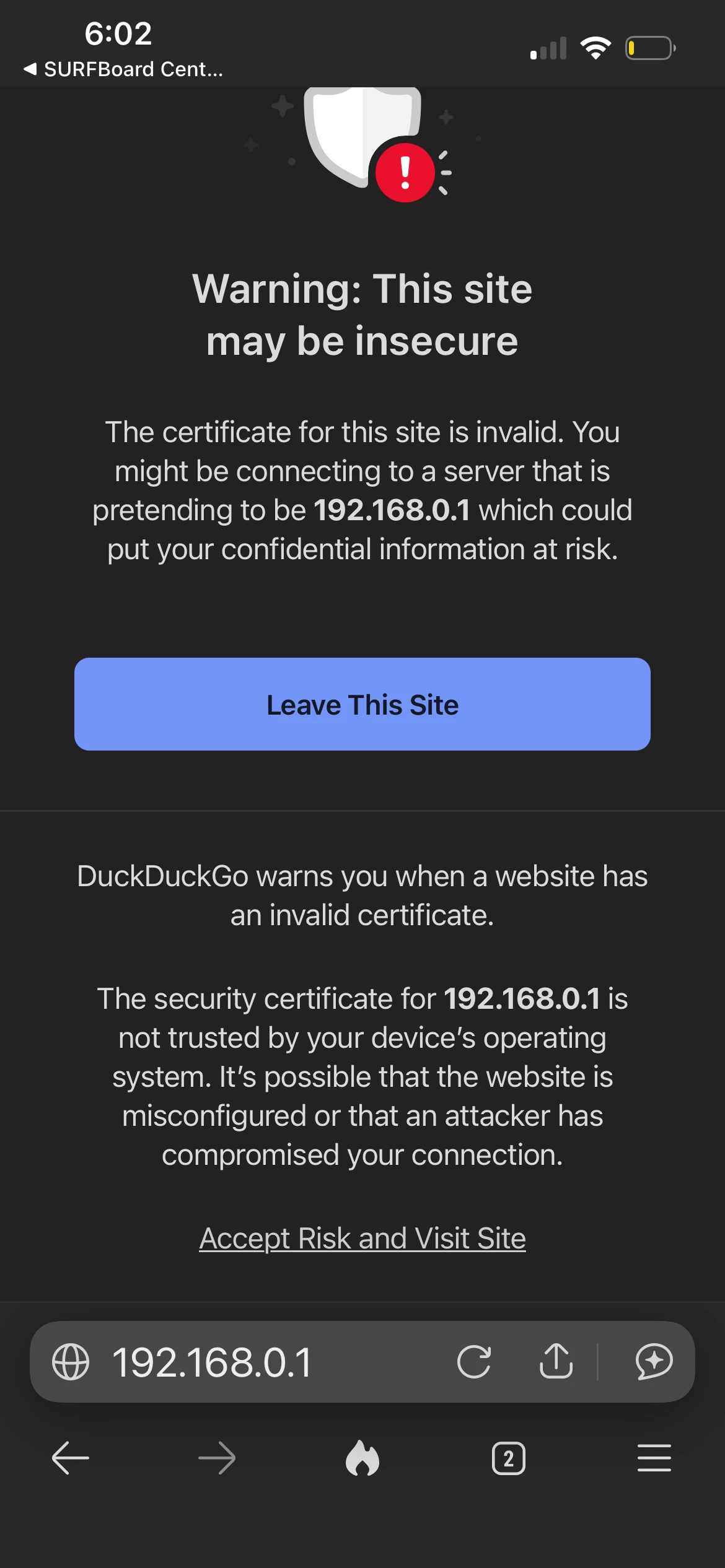
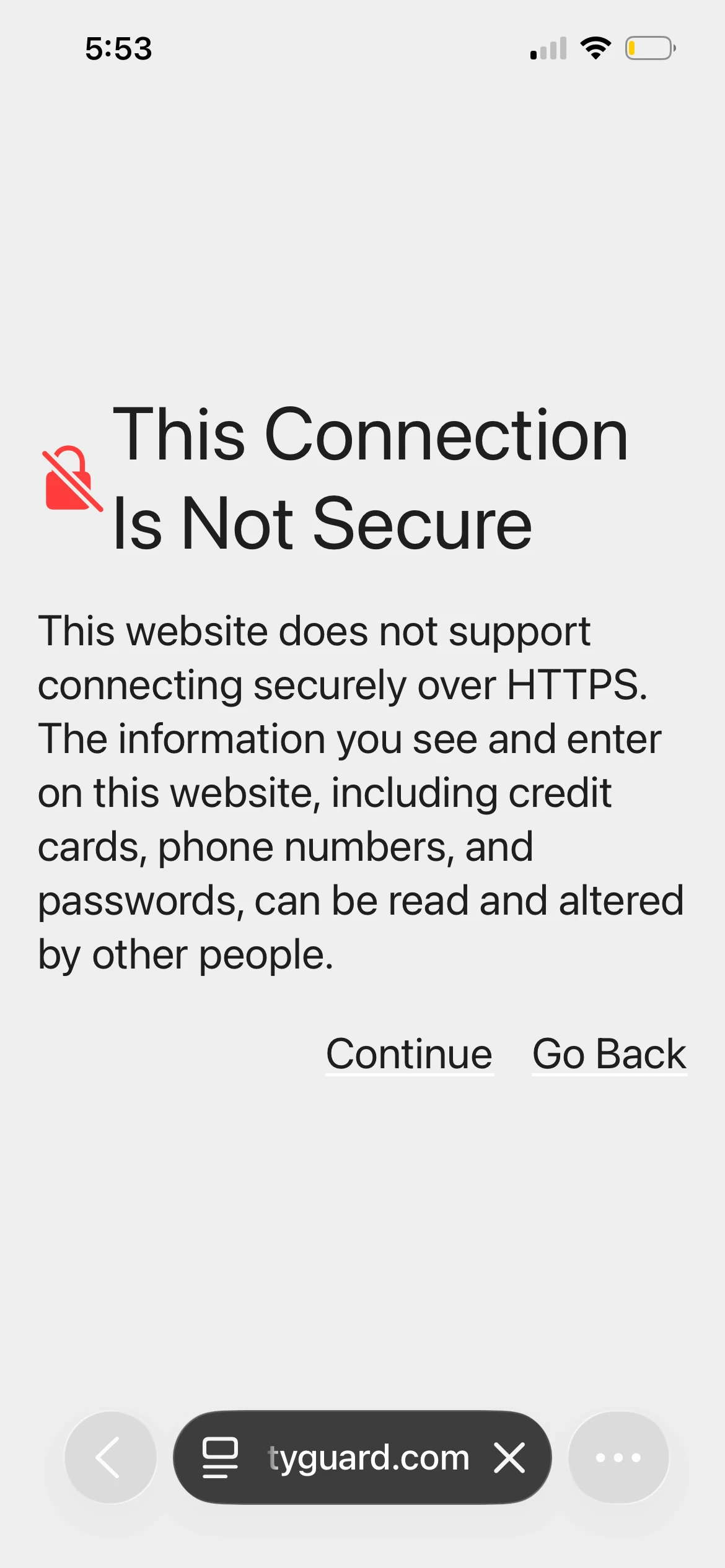
  1. When you access the gateway’s GUI using its IP address, you might see a “Not Secure” warning in your browser. This is completely normal because the connection is local and does not use a public SSL certificate like websites do. Your gateway’s interface is still safe to use since you are accessing it directly within your network.