
Solved

w122 satellite wont fully connect

  • January 30, 2026
  • 3 replies
  • 63 views

Forum|alt.badge.img+1

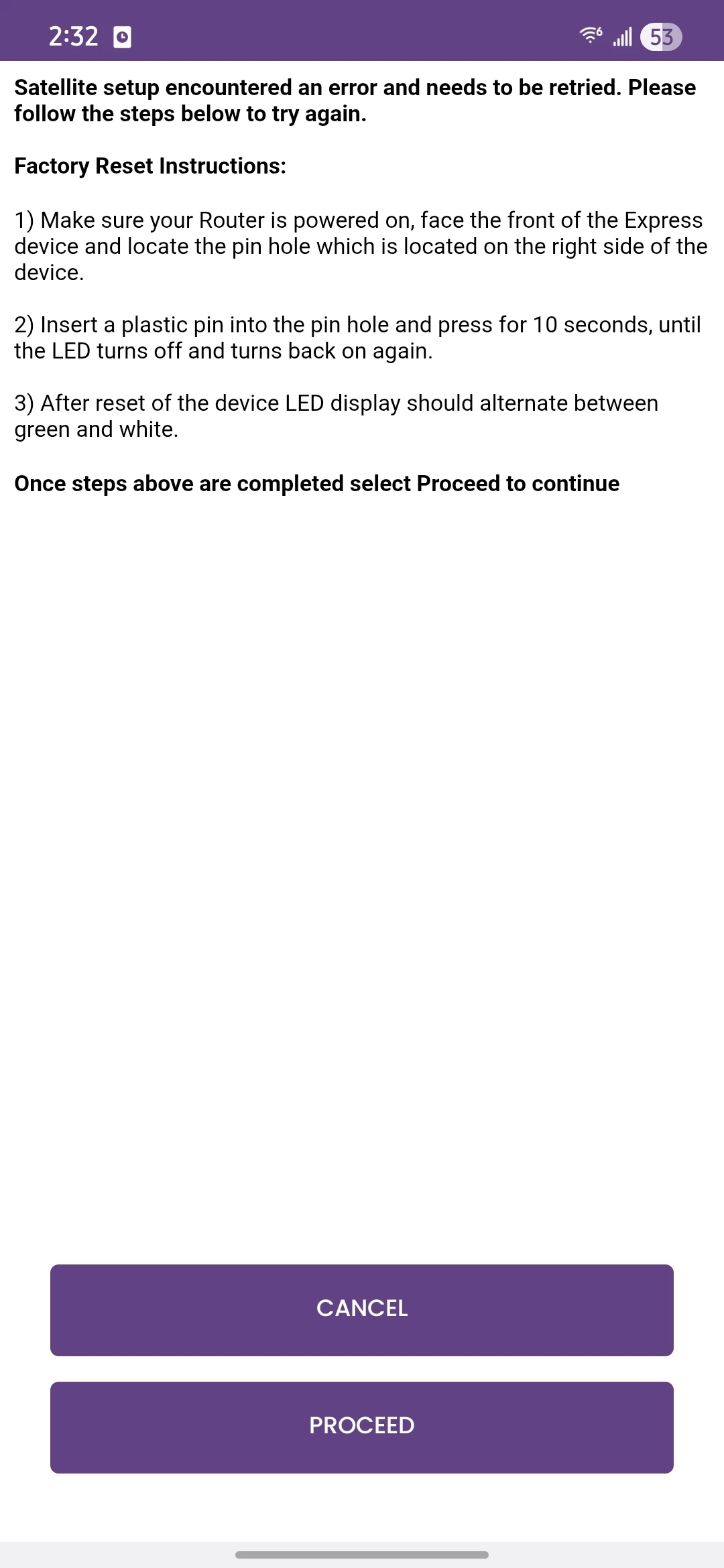
Just got the w122 mesh system with the w11 satellite. I got the main router to work but can't get the satellite to work. It goes through the whole process, says its been added and that it will start a network optimization and that it will take 15 minutes but then about a half hour later I get this screen. So I try restarting my modem, restarting my router, and factory resetting my satellite and starting over and have tried atleast 10 times on a galaxy s24 and an iPhone 15 (both on their latest firmware and uninstalled/reinstalled the surfboard central app) and always get the same thing.

 

Best answer by William10cam

So after my last attempt, I left the satellite plugged in and some time between 1-2 days later it switched from the green and white blinking light to a blue light and it started to work. Not sure what happened but if anyone else experiences that just leave it plugged in. Thank you for the help!

3 replies

Forum|alt.badge.img+42

Please check and describe the LED light status on both the main router and the extender.

The main router should display a solid blue light, which indicates that the setup is complete. Also, please wait for the Network Optimization message to disappear, as this message may appear on the main router as well during the process.

If the extender fails to add, perform a complete factory reset. After the reset, wait for the extender’s W11 LED to change to rapidly alternating green and white, which indicates that it is in pairing mode. Once the extender reaches this state, start the setup process again.


Forum|alt.badge.img+1
  • Author
  • The Many
  • February 9, 2026

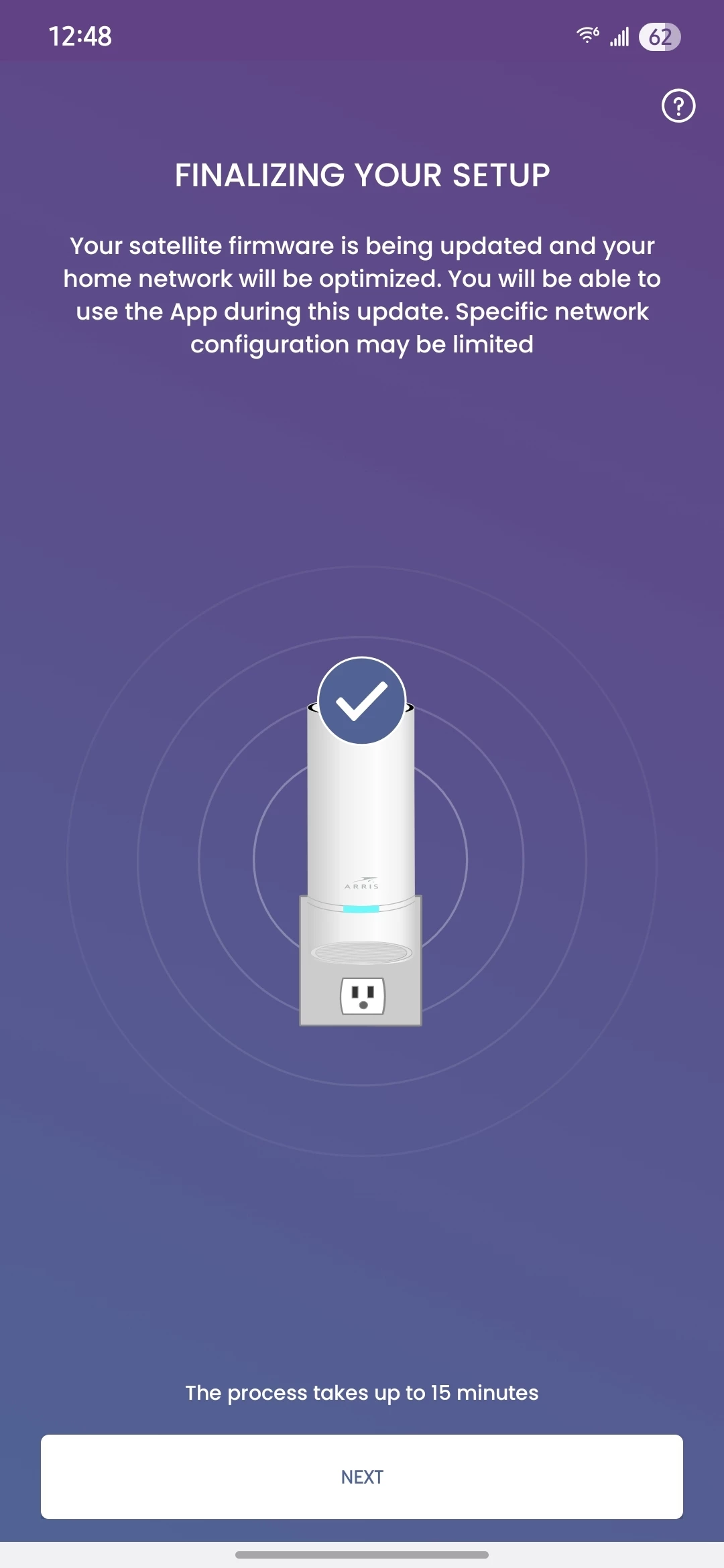
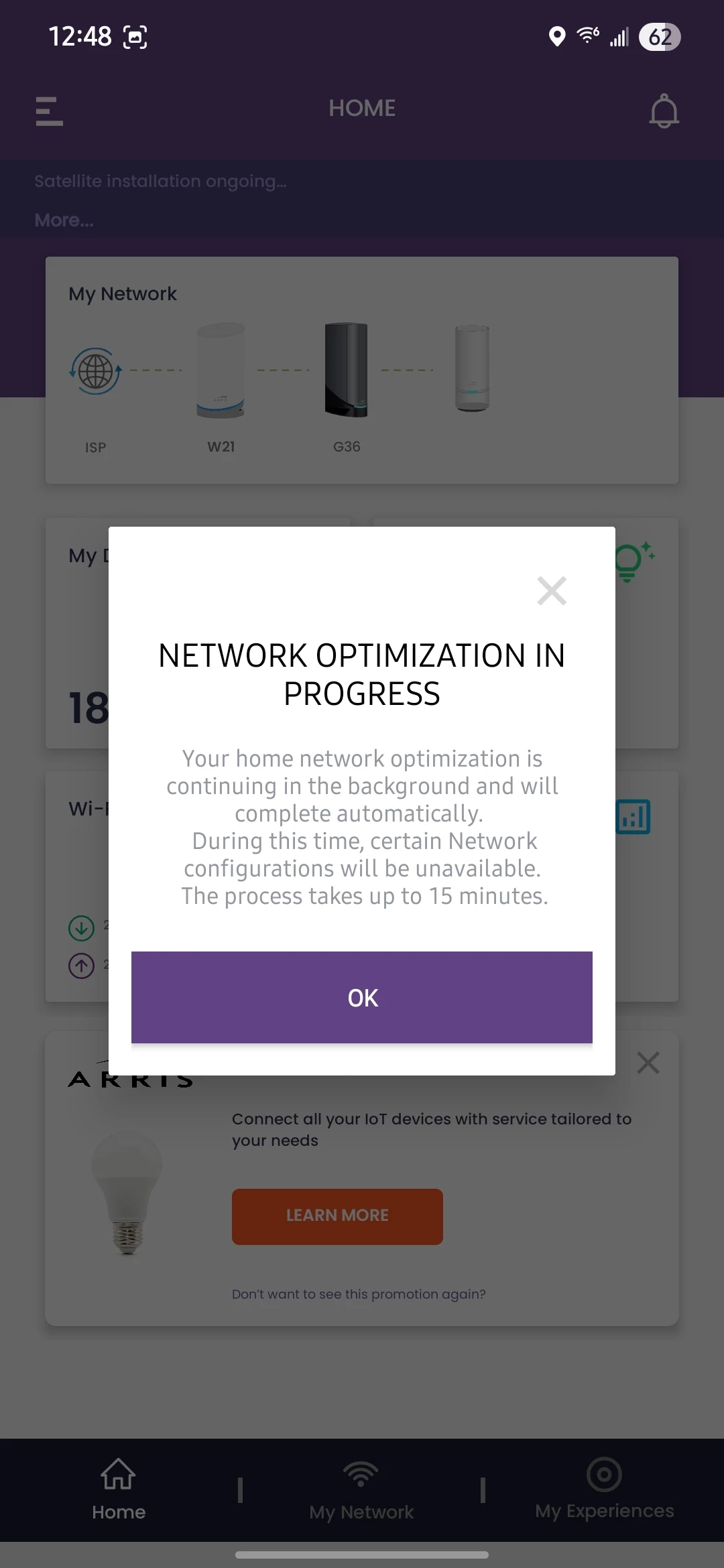
Thank you for the response. I did try a few extra times with the notes you gave me but I am still not having any luck. The light on the router is blue during the whole process. The light on the extender starts with a white and green blinking light and eventually switches to a slower white and green blinking light once I see the "connection successful" screen. I've attached 2 screenshot of what I see after the extender is added and before I get the screen shown in the original post. It seems as if it going through properly and adding the extender but then something goes wrong with the network optimization and then it deletes it off my network.


Forum|alt.badge.img+1
  • Author
  • The Many
  • Answer
  • February 11, 2026

So after my last attempt, I left the satellite plugged in and some time between 1-2 days later it switched from the green and white blinking light to a blue light and it started to work. Not sure what happened but if anyone else experiences that just leave it plugged in. Thank you for the help!