


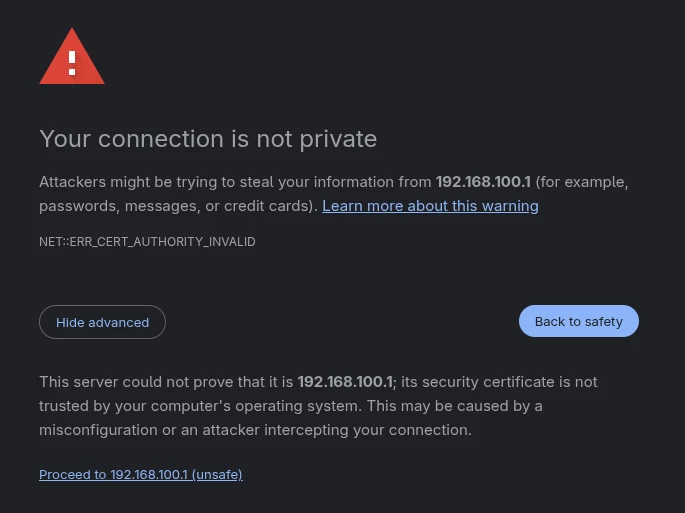
Trying to access my S34 modem on my LAN using Chrome, and the site displays the “Not secure” message. I downloaded the certificate, and imported it into my Chrome certificate manager, yet I am still getting this error while accessing the S34. Is that certificate valid?

Solved
SurfBoard certificate: "Not secure"
- The Many
Best answer by SURFboard Moderator
When you access the modem’s GUI using its IP address, you might see a “Not Secure” warning in your browser. This is completely normal because the connection is local and does not use a public SSL certificate like websites do. Your modem’s interface is still safe to use since you are accessing it directly within your network.
This topic has been closed for replies.






Login to the community
No account yet? Create an account
Enter your E-mail address. We'll send you an e-mail with instructions to reset your password.