


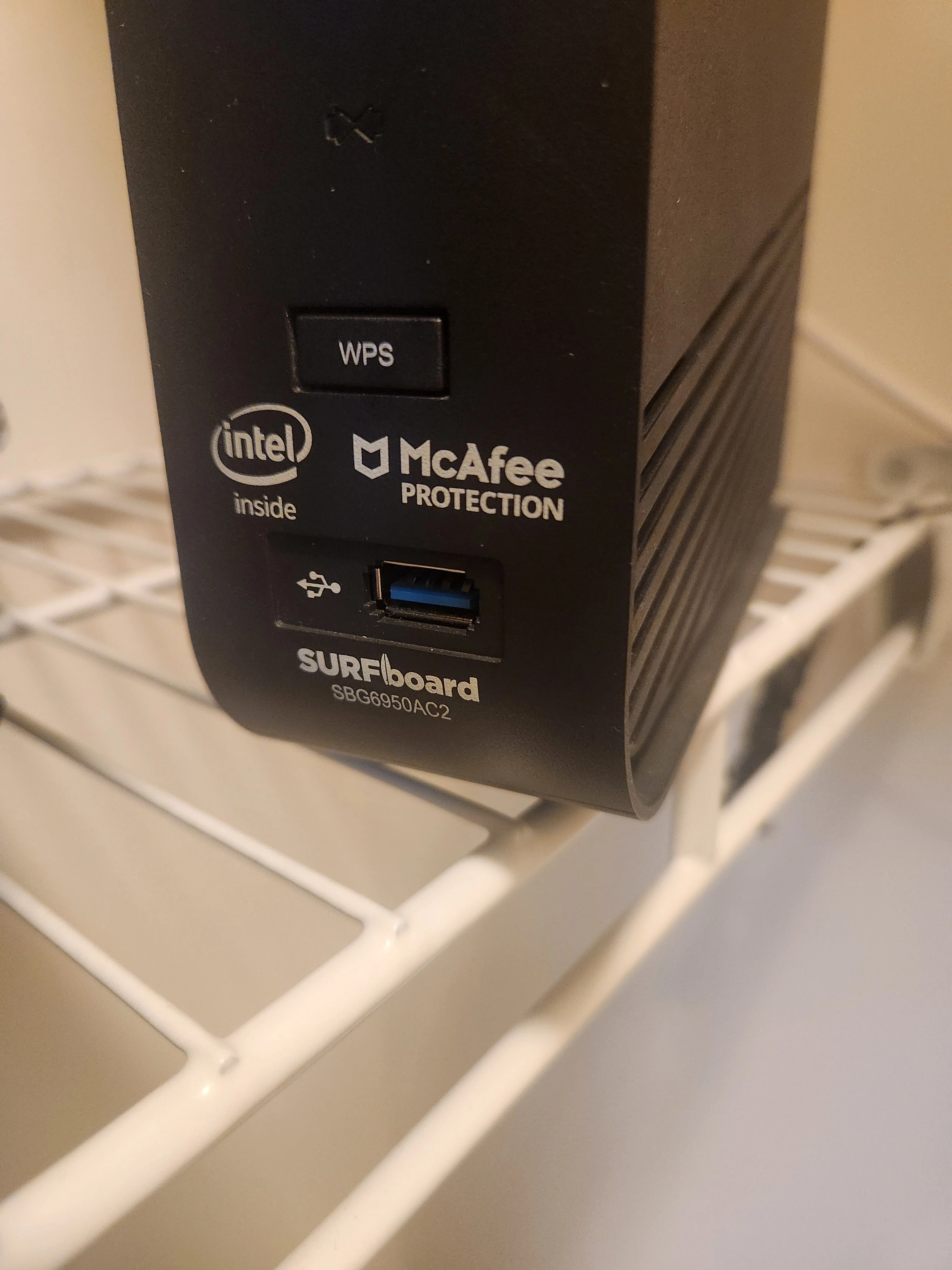
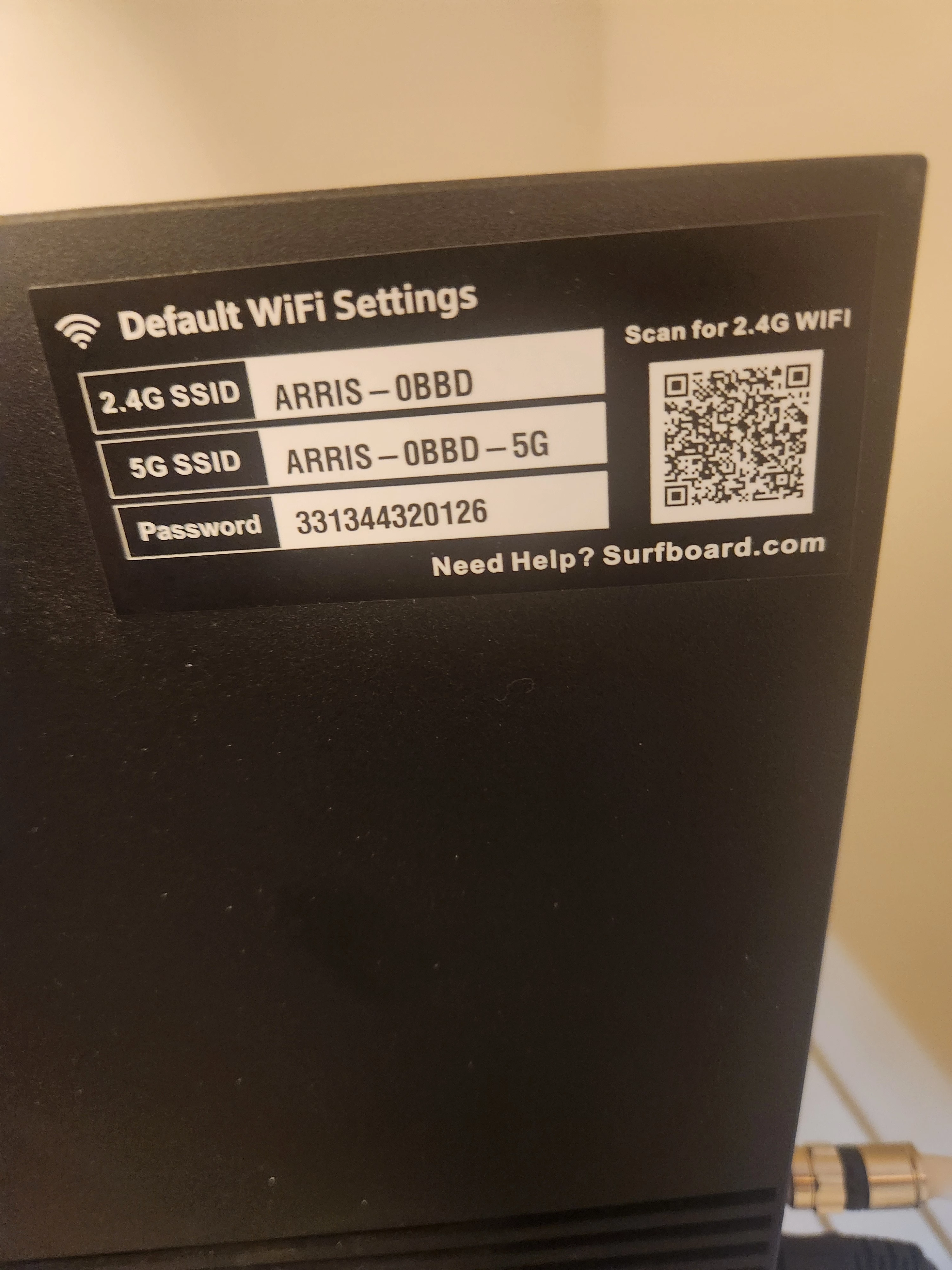
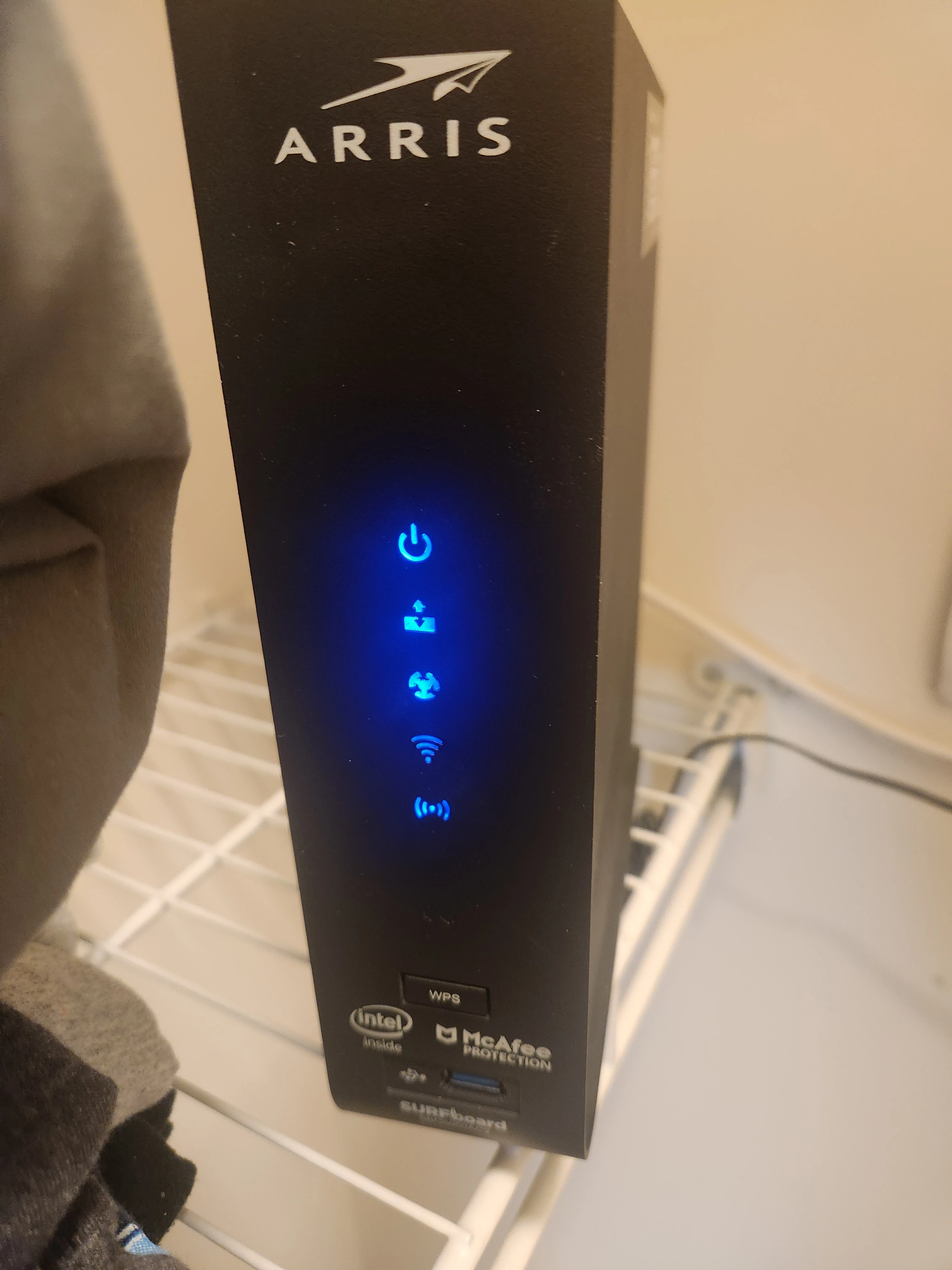
I have a Arris OBBD Router that I need to have the PW reset.

Solved
PW
- The Many
Best answer by SURFboard Moderator
If you are referring to changing the Wi-Fi password
You can change the Wi-Fi credentials in two ways:
- Through the Surfboard Central mobile app (if you have it set up).
- Via the web interface.
Please refer to the link below for instructions on changing Wi-Fi credentials using the Surfboard Central app.
The next link provides guidance on how to update Wi-Fi credentials through the web interface.
This topic has been closed for replies.






Login to the community
No account yet? Create an account
Enter your E-mail address. We'll send you an e-mail with instructions to reset your password.