



Answer

SBG7600AC2 can't setup the SBC app due to password

  • September 18, 2024
  • 1 reply
  • 57 views

Forum|alt.badge.img

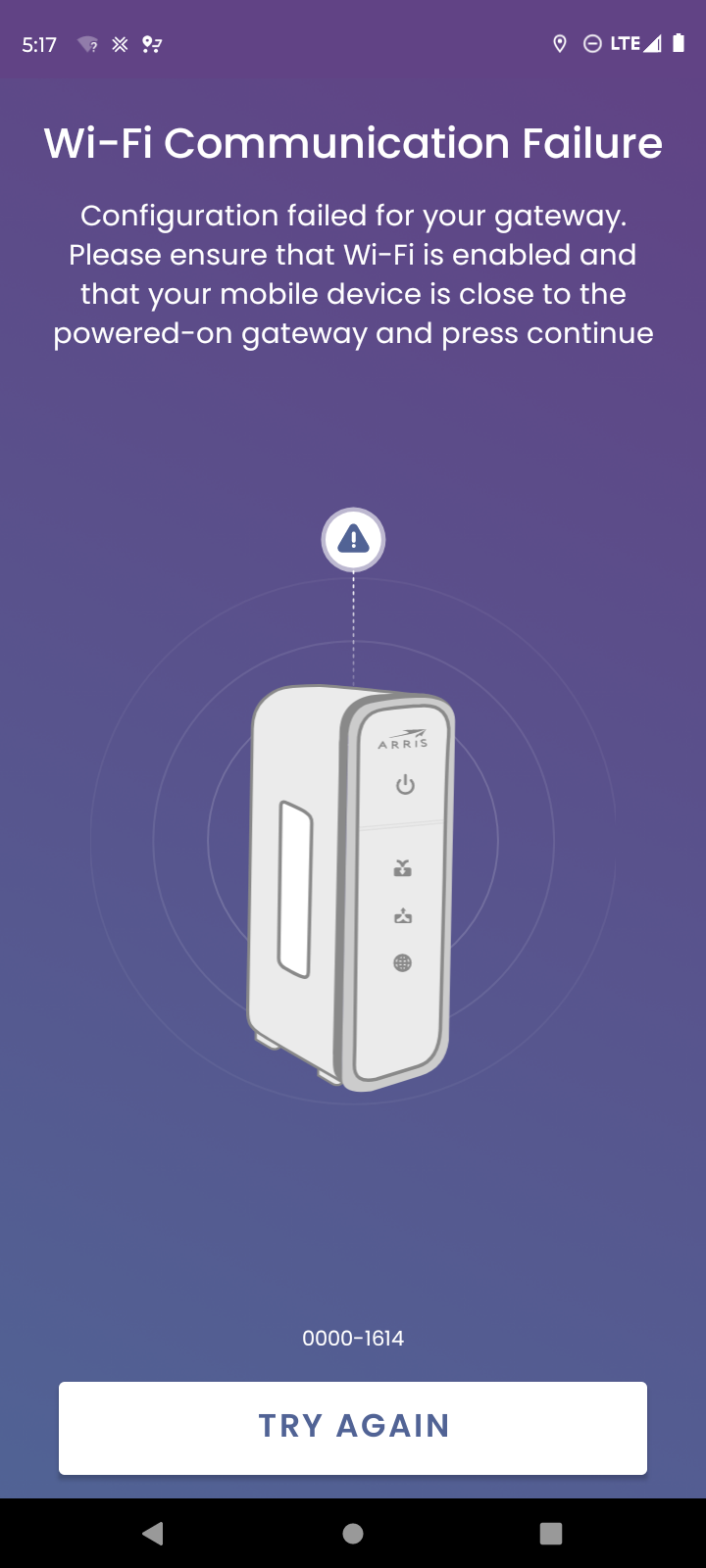
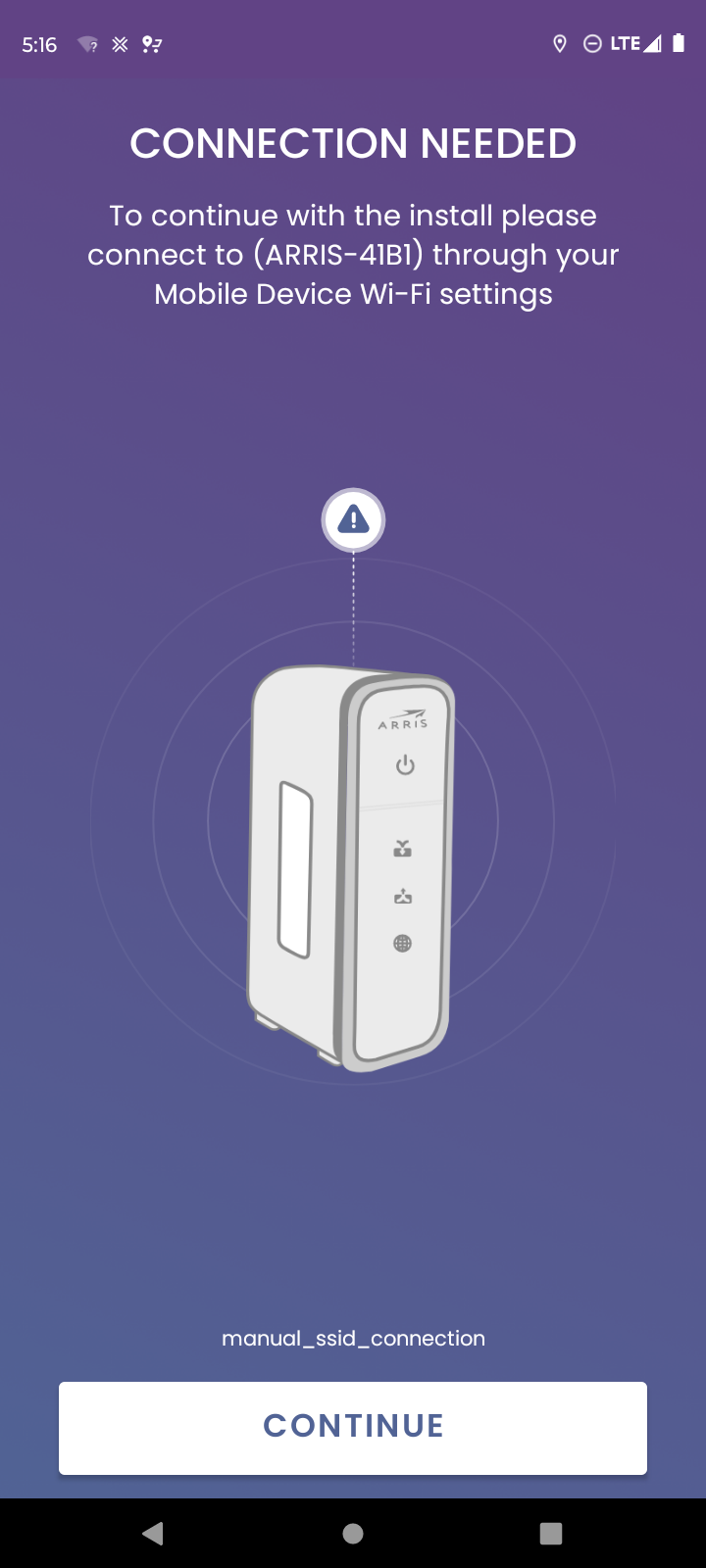
I can't connect to Internet because of WiFi password, it always says "check password and try again". But password is right for sure, I wasn't change it, it is default. And I checked many times, I know it's right. I don't know why I can't connect. This is what I see in the mobile app (screenshots), I use Surfboard central app (my phone not support another app named "arris Surfboard manager") . please helpĀ 

Best answer by SURFboard Moderator

I would suggest uninstalling the app and reinstall it again.

Please select setup manually and enter the Wi-Fi credentials manually.

Also please make sure that the mobile phone is connected with Arris's network while setup the SBC app.

http://arris.force.com/consumers/articles/General_FAQs/SURFboard-Central-Wi-Fi-Cable-Modem-Setup

This topic has been closed for replies.

1 reply

Forum|alt.badge.img+42

I would suggest uninstalling the app and reinstall it again.

Please select setup manually and enter the Wi-Fi credentials manually.

Also please make sure that the mobile phone is connected with Arris's network while setup the SBC app.

http://arris.force.com/consumers/articles/General_FAQs/SURFboard-Central-Wi-Fi-Cable-Modem-Setup


