


Solved

Issues to login to http://192.168.100.1 after bridge mode is enabled by accident on SBG8330 Router

  • July 2, 2022
  • 5 replies
  • 451 views

I have SBG8300  router from my ISP.  I generally login to their router page to enable wi-fi ( normally it is in disabled mode). By mistake I clicked  Bridge mode button though I don’t even know what the bridge mode is.  Now I can’t login to the http://192.168.100.1 at all.   The browser URL shows https://192.168.100.1/wizard_step1.php  and runs for ever. 
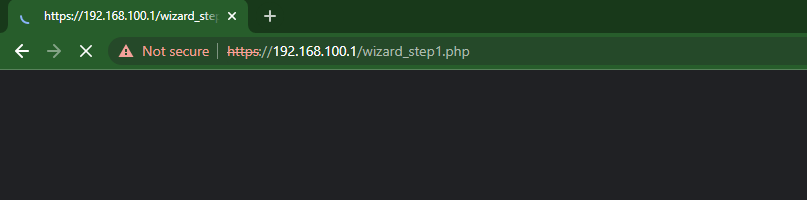
 

How will I be able to login to router settings.  I appreciate any help. internet is working normally. But whatsapp message refresh is taking forever saying  “Wiating for this message. This may take  a while Learn More “ . 

Best answer by plemans

You could always factory reset to get back to the defaults. 

This topic has been closed for replies.

5 replies

plemans
Juggernaut
Forum|alt.badge.img+41
  • Juggernaut
  • Answer
  • July 2, 2022

You could always factory reset to get back to the defaults. 


  • Author
  • The Many
  • July 2, 2022

You could always factory reset to get back to the defaults. 

Thank you plemans. Appreciate for the suggestion. I will  do factory reset.


plemans
Juggernaut
Forum|alt.badge.img+41
  • Juggernaut
  • July 7, 2022

Did it work? 


  • Author
  • The Many
  • July 14, 2022

Did it work? 

Yes it did worked.  Initially I reset it by removing the power for few minutes it didn’t work. After that I read different approach - keeping the pin in the reset location for 90 seconds - removing power after 30 seconds, wait for 30 seconds and putting the power back on. This approach worked. Thank you for the help.


plemans
Juggernaut
Forum|alt.badge.img+41
  • Juggernaut
  • July 14, 2022

Glad you got it working!

You might mark it solved so others aren’t still trying to help fix it :)


