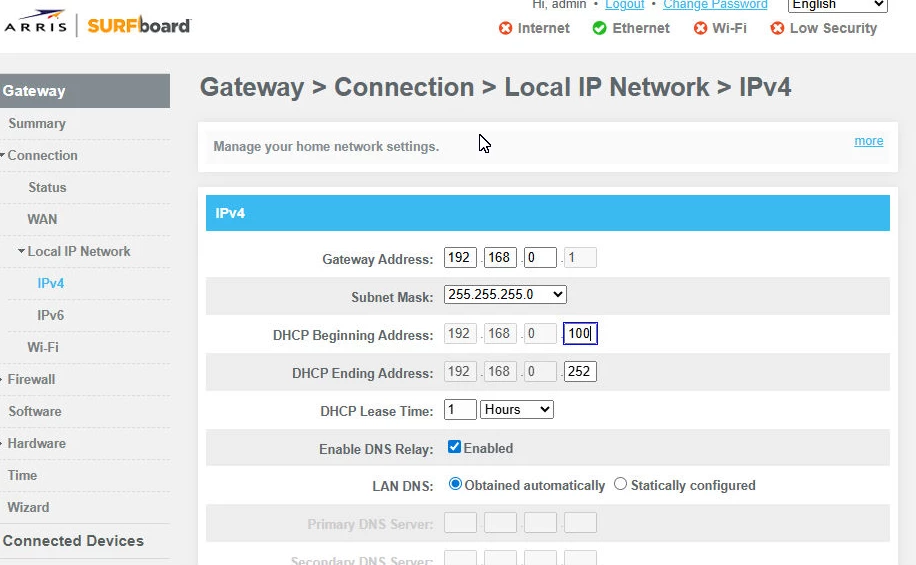
It is not possible to change the fourth octet of the gateway IP address. Please refer to the link below for instructions on how to change the gateway IP address.
The only way to disable DHCP on the SBG8300 is by enabling Bridge Mode. When Bridge Mode is enabled, the router functionality of the SBG8300 is turned off, and the device will operate solely as a cable modem. This means you will have access to only one active Ethernet port on the SBG8300, and it will no longer provide Wi‑Fi.