
Question

Cant see the surboard 6900ac website on mac safari

  • April 14, 2023
  • 9 replies
  • 91 views

Forum|alt.badge.img+1

I have a surfboard 6900 AC. Earlier I could access this admin portal on my safari mac. Now I cannot. This is the screen I get (attached). Looks like maybe the new OS of Mac or safari doesnt like my modem anymore

Once I put my login details- the new page takes me now where. 
However, when I try to access with my iPhone, I cam access the admin portal.


This topic has been closed for replies.

9 replies

plemans
Juggernaut
Forum|alt.badge.img+41
  • Juggernaut
  • April 15, 2023

try clearing cache/cookies? 

Try a different browser? Wouldn’t be the first time a browser update has caused issues. 


Forum|alt.badge.img+1
  • Author
  • The Many
  • April 15, 2023

Clearing cookies didn’t help. 
I’ll try another browser.


Forum|alt.badge.img+1
  • Author
  • The Many
  • April 17, 2023

I tried Chrome and Opera…Both are giving me this error ---


This site can’t provide a secure connection

192.168.0.1 uses an unsupported protocol.

ERR_SSL_VERSION_OR_CIPHER_MISMATCH


Forum|alt.badge.img+1
  • Author
  • The Many
  • April 17, 2023

Funnily enough, I can open this Arris page on  my iphone...


plemans
Juggernaut
Forum|alt.badge.img+41
  • Juggernaut
  • April 17, 2023

try this workaround. 


Forum|alt.badge.img+1
  • Author
  • The Many
  • April 17, 2023

Ok Thanks. That works.

Now to come to the main issue.

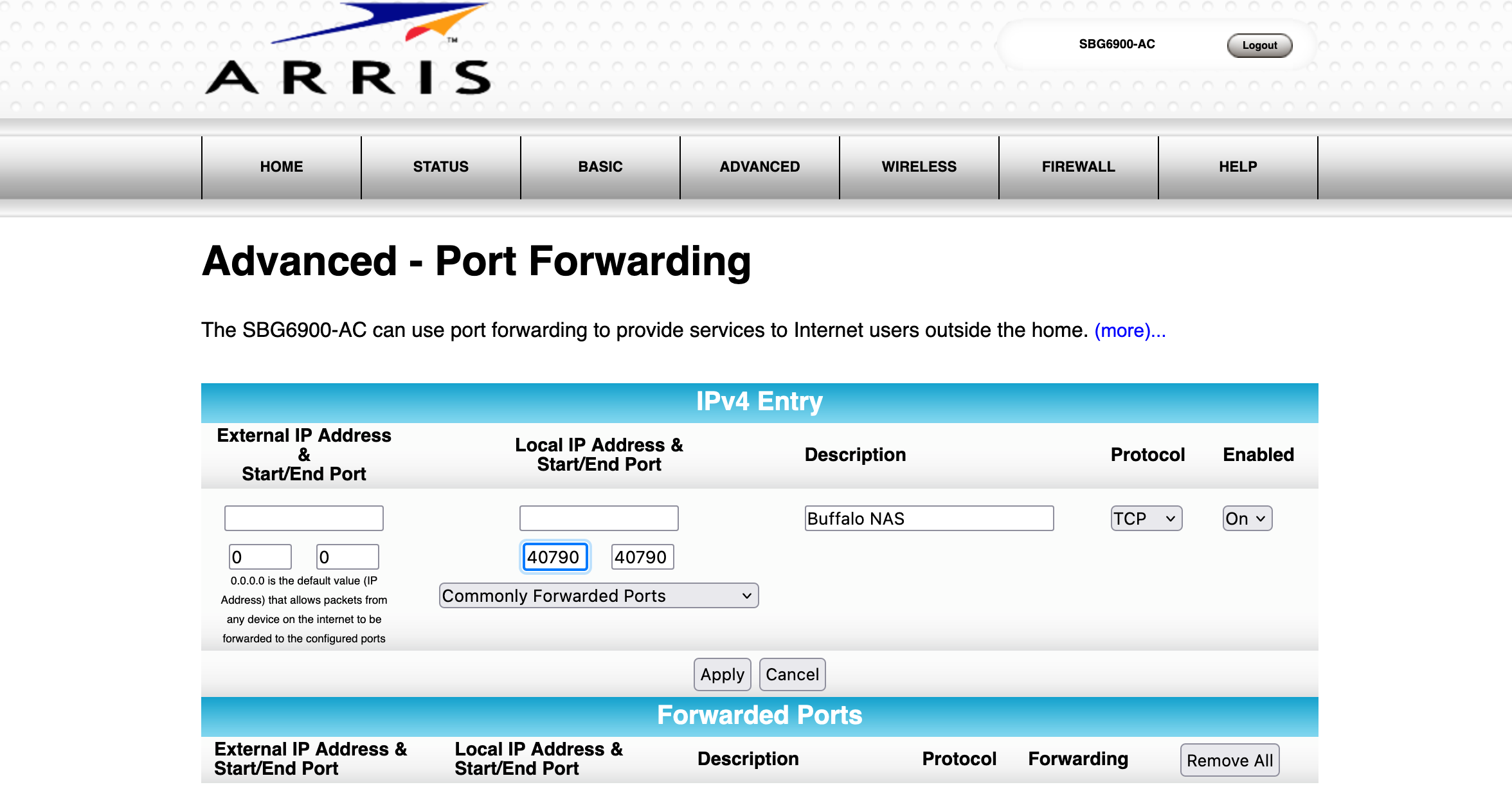
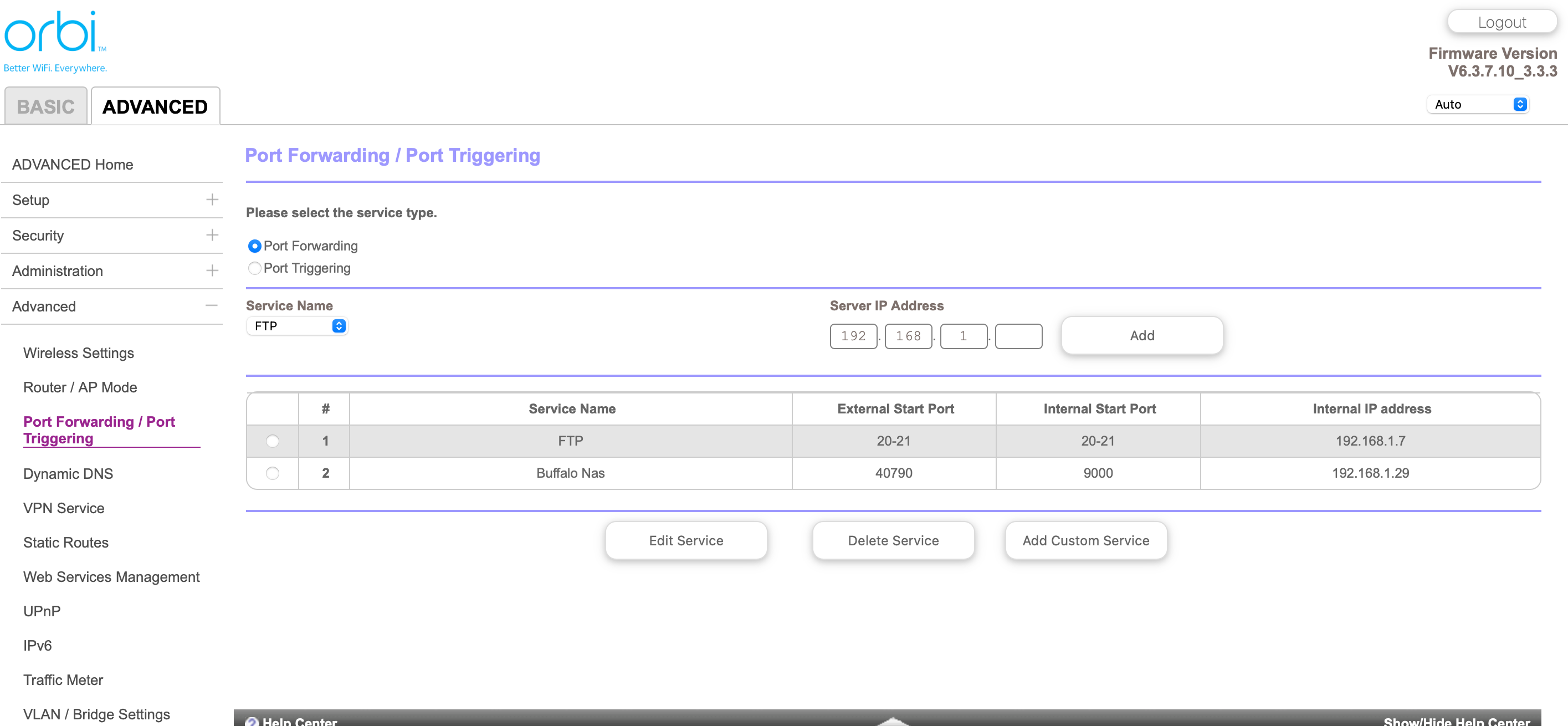
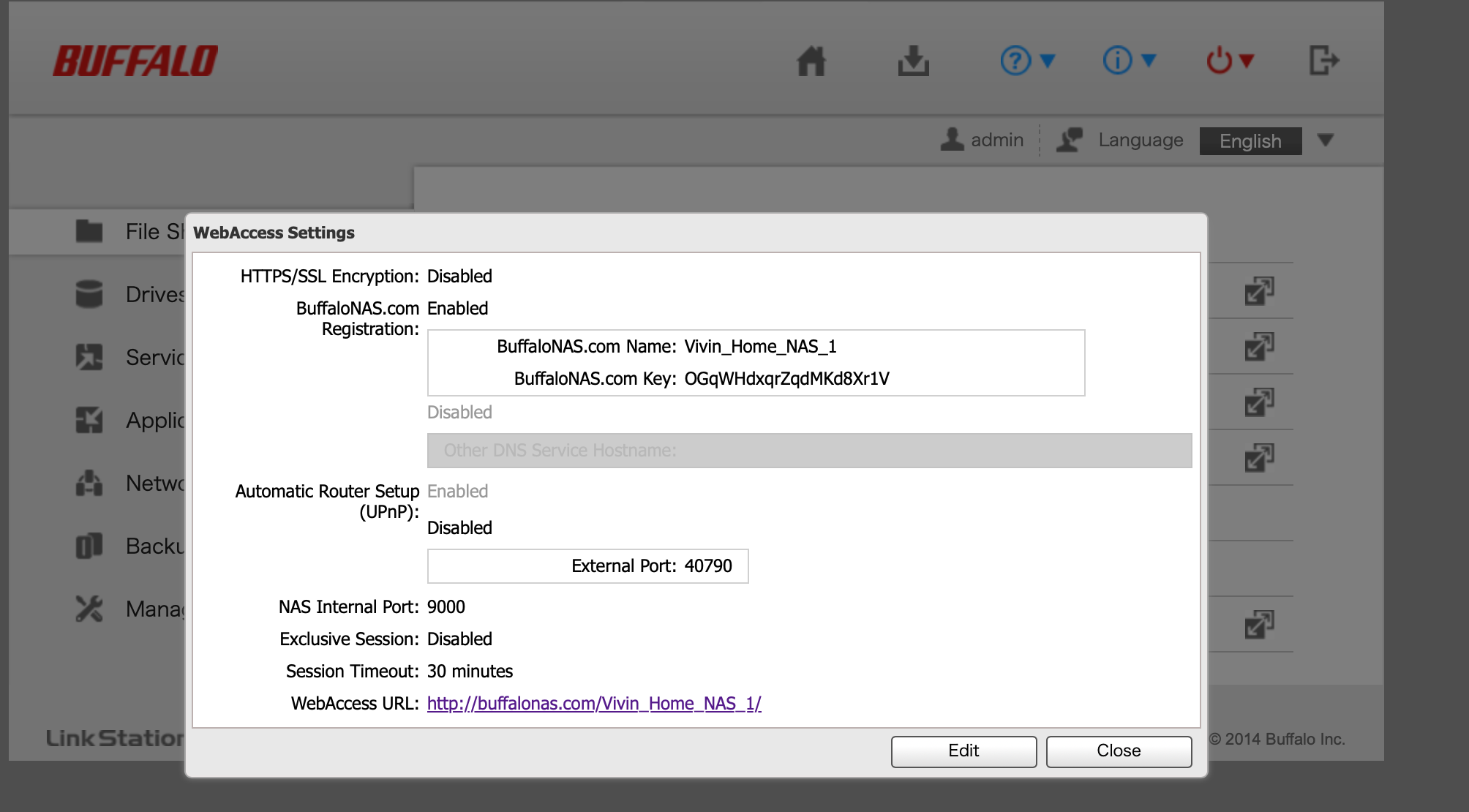
I have this Buffalo NAS Navigator and I can only access it locally (within my home wifi network). I am not able to access it remotely when I am not in my home network. The probable reason is that the ports of my Arris surfboard are not open/configured. I am not sure how to go about this - but I can access the “port forwarding” menu in the Arris page (see attached). I am not sure what to enter.

I also have ORBI router attached to my Arris.

Attaching screenshots of all 3 devices.


Thanks in advance.


plemans
Juggernaut
Forum|alt.badge.img+41
  • Juggernaut
  • April 18, 2023

You’ll first want to fix your double nat. 

A double nat happens when you cascade more than 1 router.
Fixes? There’s 3 options but only use 1.
1. Put the modem/gateway in modem only/pass through mode. This disables its routing functions and leaves the netgear managing it. 
2. Leave the modem/gateway in router mode but put the Netgears IP address into its DMZ. This forwards the data to the netgear. You can either leave the modem/gateway’s wireless enabled or disabled. Just make sure its using a different wifi channel to prevent interference
3. Put the Netgear into access point mode. This disables its routing functions. Wifi/ethernet still works but it does disable some features.


One of those options will fix your double nat. 

Once thats fixed, then you can start the port forwarding. 


Forum|alt.badge.img+1
  • Author
  • The Many
  • April 18, 2023

Thanks….
I just added the Orbi IP in the Arris Modem’s DMZ…
and added the port in Orbi…
Looks like everything is fine.


Thanks for your help


plemans
Juggernaut
Forum|alt.badge.img+41
  • Juggernaut
  • April 19, 2023

Glad you got it working!